Financial Operations
The Definitive Month End Close Checklist Template for Scaling Businesses
Month End Close Checklist Template: month end close checklist template for streamlined, investor-ready reporting.
ByJumpstart Partners, CPA, QuickBooks ProAdvisor
··26 min readYou're a founder or finance leader at a growing company. You know the month-end close is broken. It takes weeks, the numbers feel unreliable, and your team is burned out chasing down data. This isn't just an accounting headache—it's a business risk. When your financials are slow and inaccurate, you can't make smart decisions about hiring, marketing spend, or product investment. You fly blind, hoping for the best, while investors and board members wait for reports.
The problem isn't your team; it's the lack of a standardized, battle-tested process. Without a clear month end close checklist template, tasks slip through the cracks, reconciliations are rushed, and you end up with financials you can't trust. A messy close today becomes a nightmare during an audit or due diligence tomorrow.
This guide provides the solution. We've curated the best month-end close templates and systems specifically for SaaS, digital agency, and professional services firms in the $500K to $20M revenue range. Forget generic checklists. You'll find downloadable templates and expert-led services designed to solve your specific challenges, from implementing ASC 606 revenue recognition to achieving a repeatable 5-day close. Let's get your financial house in order so you can lead with confidence.
1. QuickBooks Cleanup & 5-Day Close — Jumpstart Partners
Jumpstart Partners offers a unique approach that goes far beyond a simple downloadable template. Instead of providing a static file, they deliver a comprehensive, fixed-fee implementation service designed to permanently fix your month-end process. This “done-for-you” engagement is engineered to get your QuickBooks accounts investor-ready and systematically compress your close cycle down to a repeatable five-day window. This makes it an ideal solution for growing companies that need both a proven process and the expert support to implement it correctly from day one.
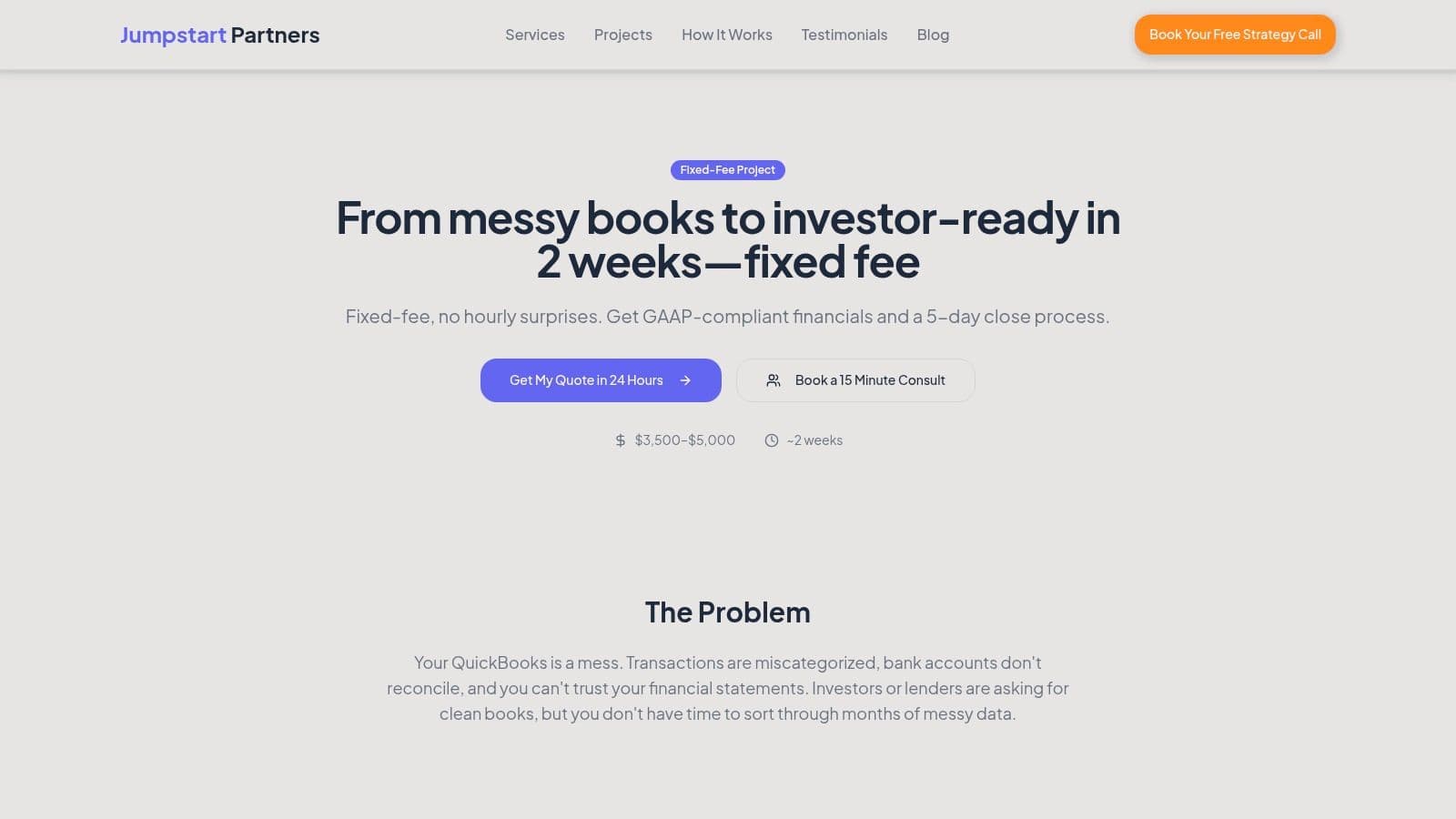
Core Offering: From Messy Books to a 5-Day Close
The engagement begins with a thorough cleanup of your existing QuickBooks data, rectifying historical errors and restructuring your chart of accounts for clarity and scalability. From there, the US-based, CPA-certified team documents and implements a complete month end close checklist template tailored to your business operations. The process includes setting up ASC 606-compliant revenue recognition, reconciling all balance sheet accounts, and aligning data from platforms like Stripe, Shopify, and Gusto.
What sets this apart is that you don't just receive a checklist; your team inherits a fully functional, documented system. The controller-level support ensures the process is embedded within your finance function, delivering predictable, audit-ready financial packages each month. Jumpstart reports that its process uncovers an average of $47,000 in accounting errors for new clients, highlighting the immediate financial impact of a rigorous, expert-led implementation. For businesses seeking to optimize their finance operations, this level of hands-on expertise provides a clear pathway to achieving a faster, more accurate close.
This service is optimized for businesses with revenues between $500K and $20M. While the fixed-scope project delivers a powerful reset, companies with deeply complex legacy accounting issues may need an ongoing support plan to maintain momentum.
Access the Service: QuickBooks Cleanup & 5-Day Close
2. FloQast
FloQast provides a robust, free month-end close checklist template designed by former auditors, making it an excellent resource for finance leaders aiming to formalize their processes. This Excel-based template is structured for preparer/reviewer workflows, which helps you clarify roles and responsibilities within your team from day one. It’s downloadable after providing your business email and basic contact information.
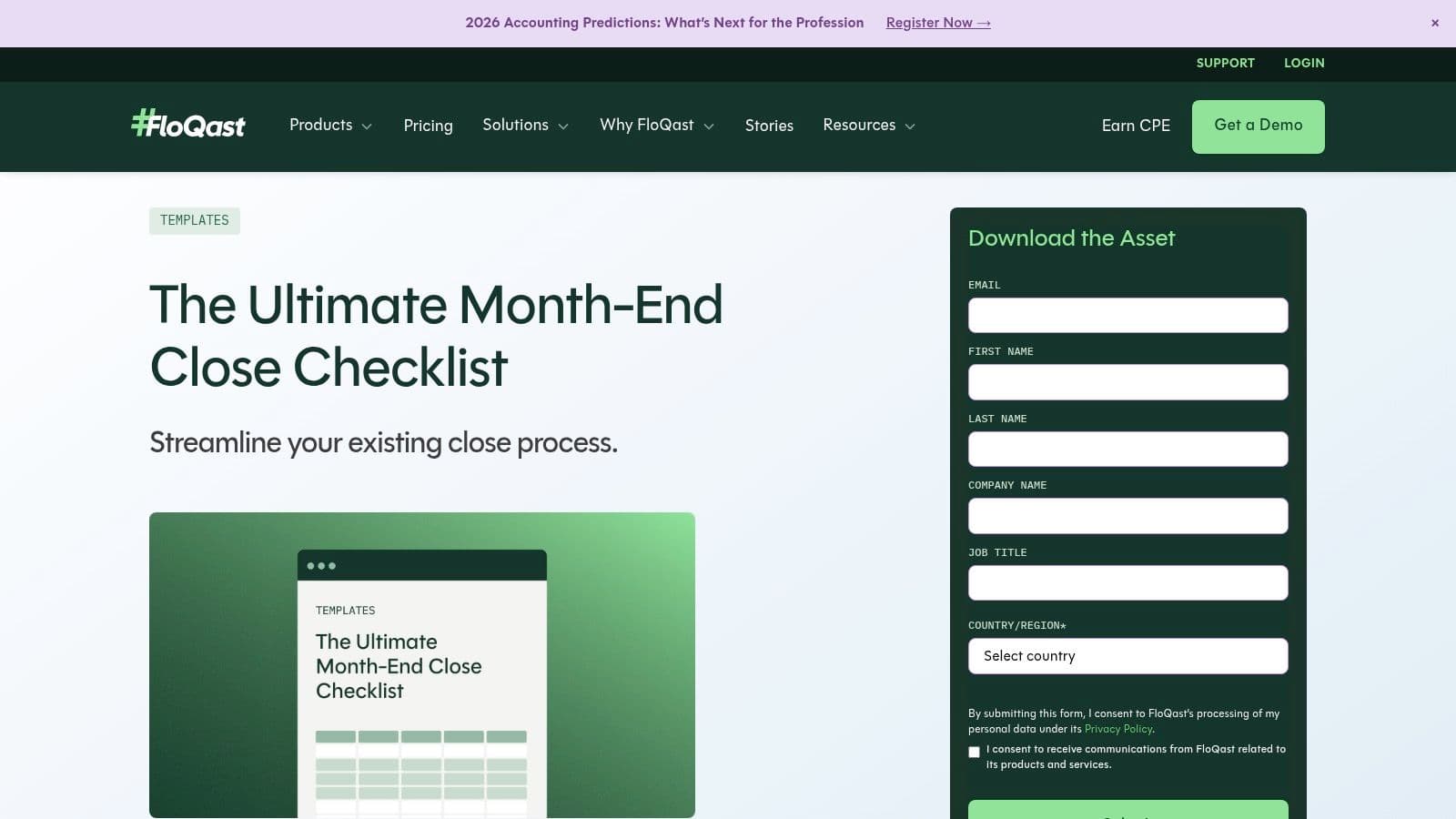
This template stands out because it explicitly delineates tasks by frequency (monthly, quarterly, annual) and assigns ownership, providing a clear blueprint for accountability. For companies using Microsoft Dynamics or other Microsoft ERPs, FloQast offers a specialized variant tailored to those environments. This is particularly useful if you're modeling enterprise-grade controls or planning a future transition to close management software. The built-by-accountants credibility means its structure is not just practical; it’s designed to withstand scrutiny, a key benefit when you’re preparing for an audit. You can find more details on how this type of structured checklist is viewed by auditors and how to prepare your financials for their review here.
| Feature Analysis | Assessment |
|---|---|
| Workflow Structure | Clear preparer/reviewer roles and tie-out steps reduce back-and-forth and shorten review cycles. |
| Customization & Format | Standard Excel format allows for easy customization of tasks, deadlines, and owners. |
| ERP-Specific Variant | A dedicated version for Microsoft ERP users provides a more relevant starting point for those systems. |
| Access Requirement | Gated by a form, so expect marketing follow-up. This is a minor trade-off for a quality resource. |
| Limitations | As a static Excel file, it lacks real-time collaboration or automated workflow features. |
3. ClickUp
ClickUp offers a ready-to-use "Month End Close" template that transforms the close process into a dynamic project within its workspace. This approach is ideal for finance teams aiming to move beyond static spreadsheets and integrate their month end close checklist template directly into a collaborative project management tool. The template is available to all users, but its full potential is unlocked when combined with paid-tier automations.
This template stands out by providing native task management features like assignees, due dates, statuses, and dependencies. You can visualize the close in multiple formats, such as a List, Kanban Board, or Calendar, giving leaders immediate insight into bottlenecks without manual check-ins. For growing companies, this real-time visibility is a significant advantage over passing an Excel file back and forth. Automations can be set to create the next month’s close tasks automatically, send deadline reminders, and notify reviewers when a task is ready for approval, systemizing the entire workflow. This structure is particularly effective for teams where non-finance members, like department heads, need to submit accrual information or review reports.
| Feature Analysis | Assessment |
|---|---|
| Workflow Structure | Moves the close into a project management framework with clear statuses (e.g., To Do, In Progress, Review). |
| Customization & Format | Highly customizable with custom fields for priority, task type, or GL account. Multiple views cater to different user preferences. |
| Collaboration & Visibility | Provides excellent cross-functional visibility and comment threads for task-specific communication, reducing email clutter. |
| Access Requirement | The template is free, but leveraging its full power with automations requires a paid ClickUp subscription. |
| Limitations | Requires team adoption of the ClickUp platform, which can be a hurdle if other departments use different tools. |
4. Coefficient
Coefficient offers a dynamic month-end close checklist template for teams that live in Google Sheets or Excel but crave automation. Its key advantage is the ability to connect your spreadsheet directly to live data from your accounting system (like QuickBooks or NetSuite) and BI tools. This connection dramatically reduces manual data entry and ensures your checklist always reflects the most current numbers. The template is free to download and comes with a "Fast Close" variant for teams aiming to accelerate their timeline.
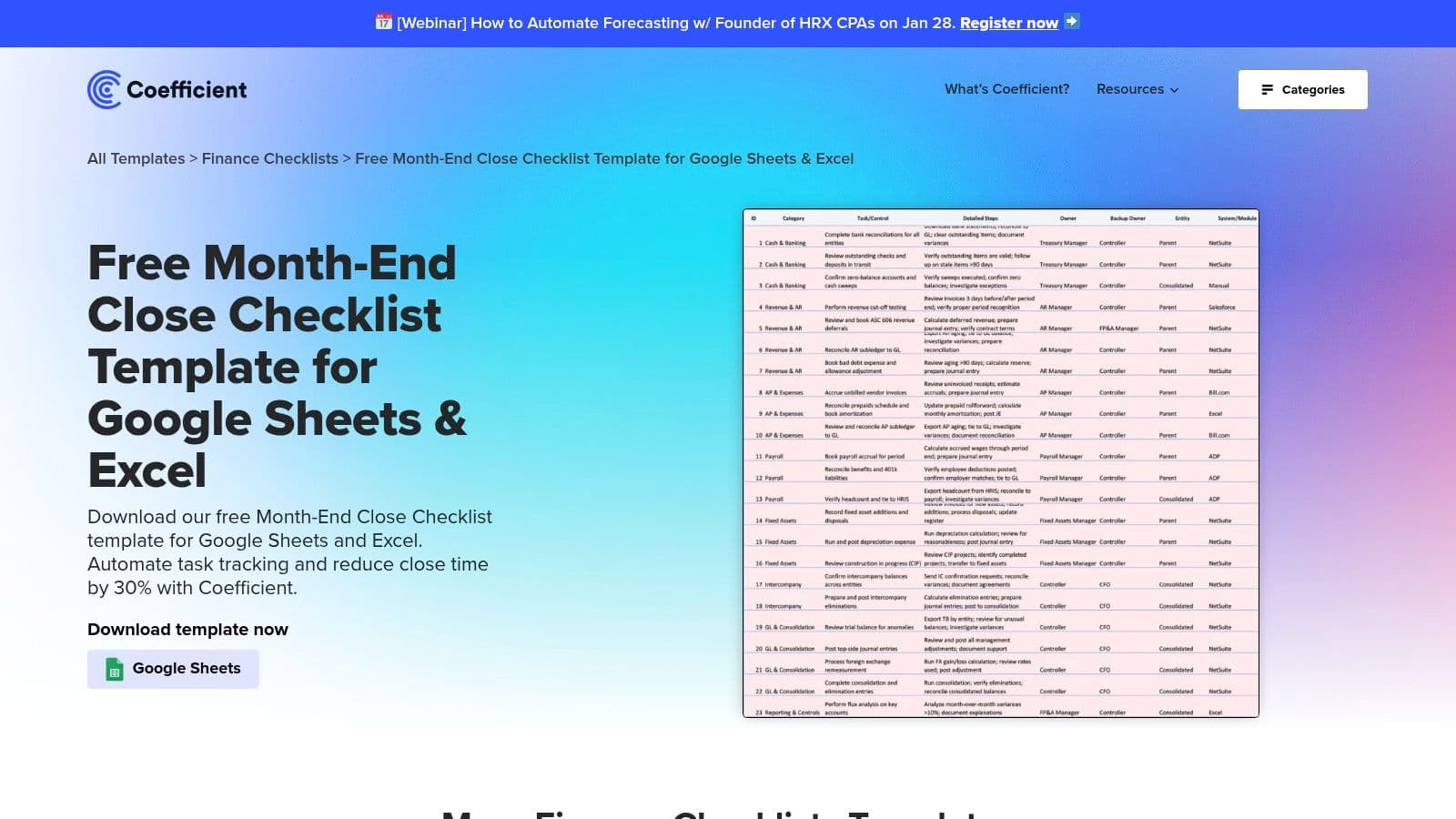
This template stands out by bridging the gap between a static checklist and a full-blown close management platform. By installing the Coefficient add-on, you can set schedules to automatically refresh balance sheet data, revenue figures, and other key metrics directly within your sheet. This is a game-changer for lean finance teams who need to eliminate version control issues and the risk of copy-paste errors. Instead of manually pulling trial balances, your reconciliation tabs update on their own, allowing your team to focus on analysis rather than data gathering. This automation is a practical first step toward building a more scalable and reliable close process without leaving the familiar spreadsheet environment.
| Feature Analysis | Assessment |
|---|---|
| Workflow Structure | Traditional checklist layout with columns for status, owner, and notes, enhanced by automated data refreshes. |
| Customization & Format | Fully customizable in Google Sheets or Excel, allowing you to tailor tasks to your specific close process. |
| Live Data Sync | Its core feature. Connects to accounting systems to pull live data, minimizing manual updates and errors. |
| Access Requirement | The template is free, but unlocking its full automation potential requires installing the Coefficient add-on. |
| Limitations | Data connections may require IT or admin approval due to security protocols, potentially slowing down initial setup. |
Get the template from Coefficient
Common Misconception: "A Checklist Will Solve All Our Problems"
Many founders believe finding the perfect month end close checklist template is the final solution. It's not. A checklist is a tool, not a strategy. The most common failure point is implementing a generic checklist without tailoring it to your business.
For example, a standard SaaS deferred revenue calculation:
(Total Contract Value / Contract Term in Months) * Months Remaining = Deferred Revenue
This formula breaks down if you have usage-based billing, mid-term upgrades, or non-standard contract lengths. Your checklist must account for these nuances. A good process doesn't just list "Reconcile deferred revenue"; it specifies how your team validates the inputs and outputs for your unique revenue model. A template is your starting point for building a robust, customized system.
5. Numeric
Numeric provides a free month-end close checklist template that serves as an excellent on-ramp for teams considering a move from spreadsheets to dedicated close management software. The template is designed with audit-readiness in mind, emphasizing critical controls around journal entry reviews and balance sheet reconciliations. Accessing the Excel download requires providing your business email, which places you in their marketing funnel.
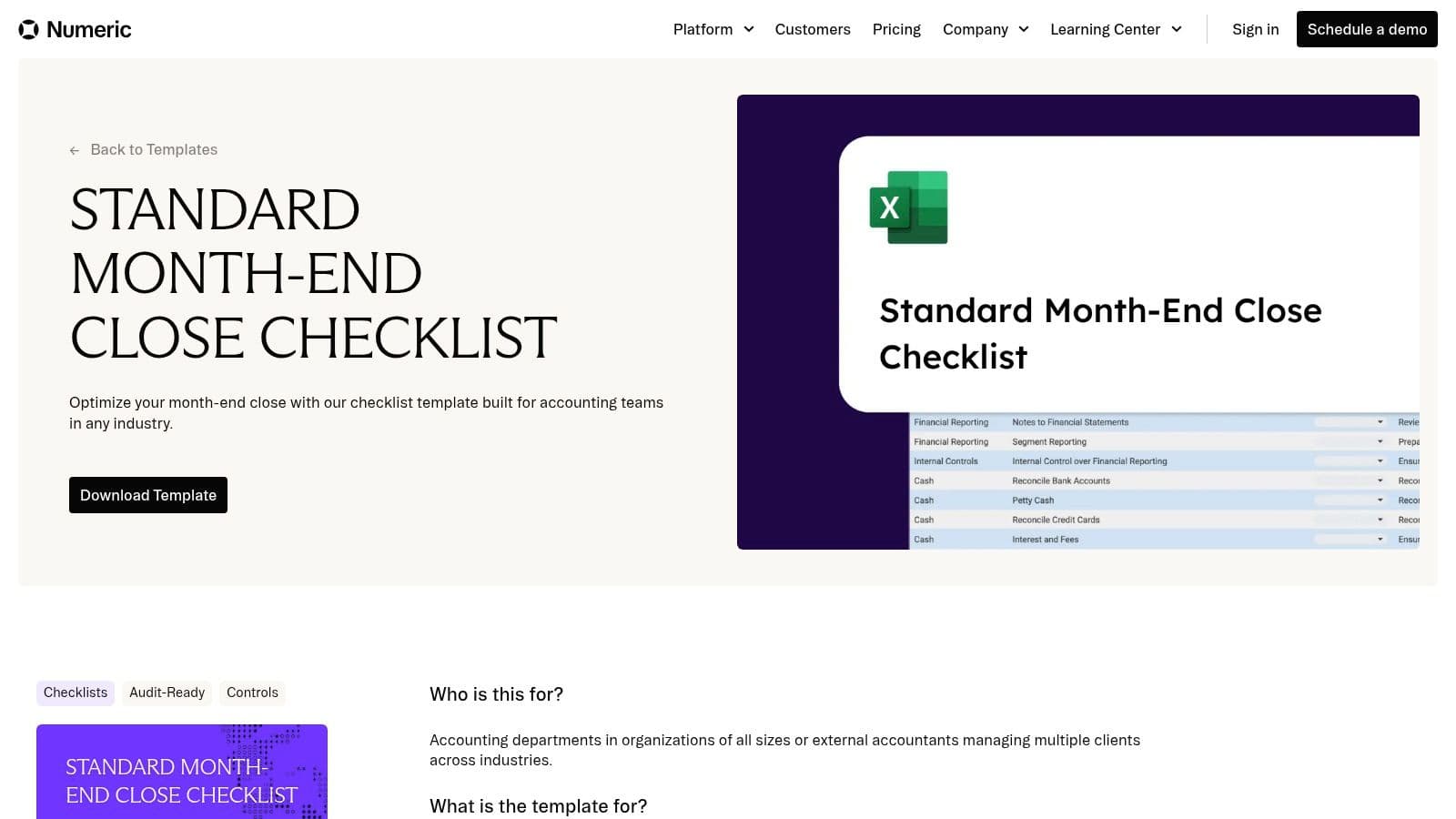
This template is particularly valuable for finance leaders who want to instill best practices before investing in a full software solution. Its structure deliberately mirrors the workflow within Numeric’s platform, making a future migration seamless. The focus on controls helps you document processes in a way that stands up to auditor scrutiny and provides clear variance explanations. This type of detailed tracking is fundamental for effective financial analysis, which you can learn more about in this guide on comparing actuals vs. budget performance. While the template itself is a static file, it provides a clear blueprint for establishing accountability with assignees and due dates.
| Feature Analysis | Assessment |
|---|---|
| Workflow Structure | Organized around key control areas like journal entries and reconciliations, promoting an audit-ready mindset. |
| Customization & Format | Standard Excel file that is easy to edit and adapt to your company’s specific closing tasks and timeline. |
| Upgrade Path | The template is a direct precursor to Numeric’s software, simplifying the transition to automated close management. |
| Access Requirement | Gated behind a lead capture form, so expect follow-up communication about their paid software platform. |
| Limitations | Lacks real-time dashboards, automated reminders, and collaborative features found in the full Numeric application. |
6. Rippling
Rippling, known primarily for its HR and IT platform, offers a surprisingly practical Excel-based month-end close checklist template. The template is structured around a four-phase process: pre-close, close, review, and reporting. This phased approach is particularly useful for founders and finance leaders aiming to bring more predictable structure to what can often feel like a chaotic process. It is a free resource, accessible after providing your business contact details.
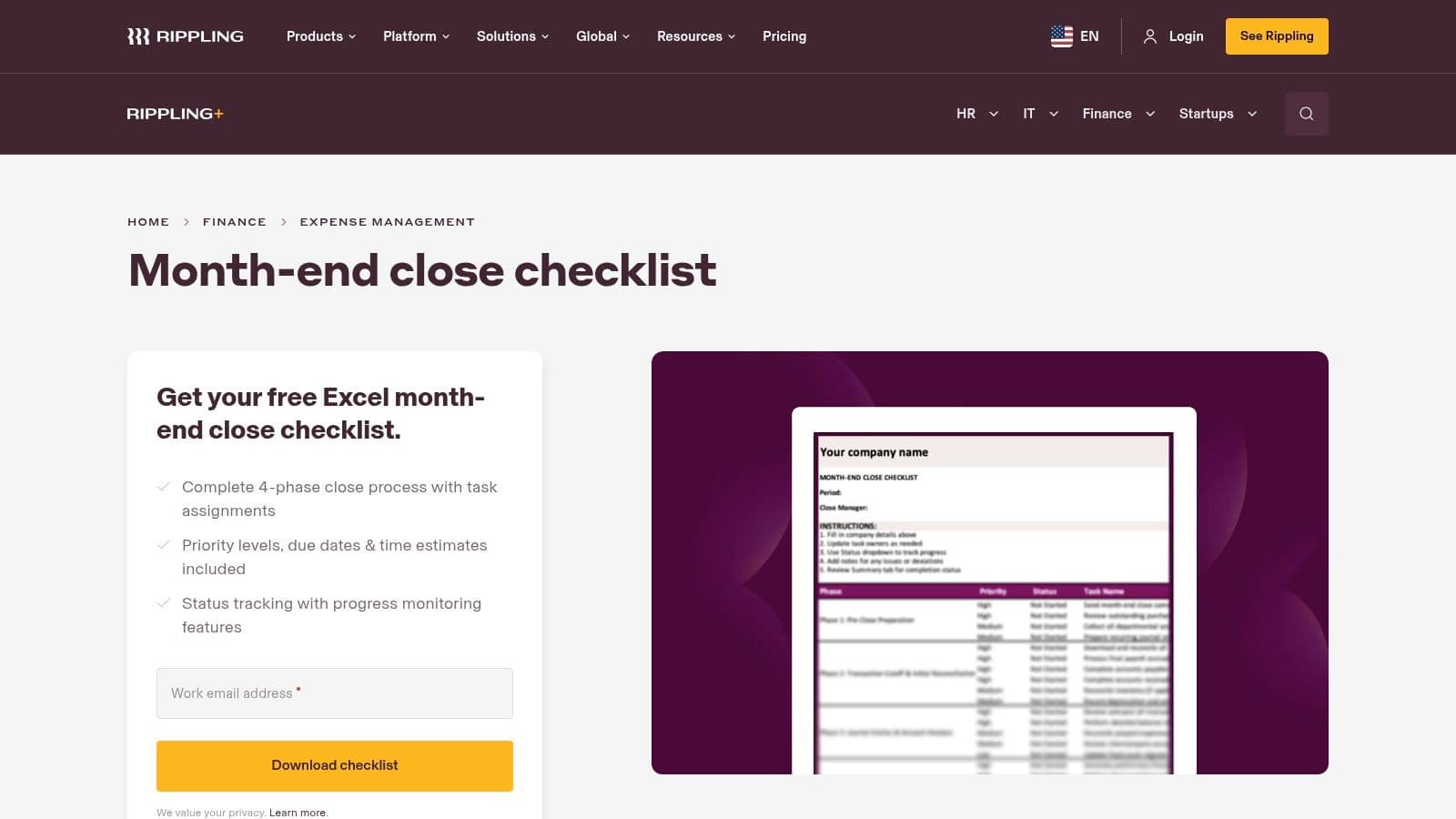
What makes this template stand out is the inclusion of time estimates for each task. For a growing SaaS or professional services firm, this is invaluable for resource planning and identifying bottlenecks. You can quickly see if too much time is being spent on low-value activities and reallocate your team's focus. The clear columns for owners, priorities, and status tracking make it a solid starting point for instilling accountability. While it’s a generalized template, its logical flow provides a strong foundation that you can easily adapt for industry-specific needs like ASC 606 revenue recognition or complex payroll accruals.
| Feature Analysis | Assessment |
|---|---|
| Workflow Structure | Organized into four distinct phases, which helps clarify the sequence of closing activities. |
| Time Estimates | Including time estimates for each task is a key differentiator that aids in workload management. |
| Customization & Format | The standard Excel format is easy to modify, allowing you to tailor tasks to your specific G/L. |
| Access Requirement | Gated by a form, so be prepared for marketing outreach from Rippling’s sales team. |
| Limitations | Lacks specific guidance for complex areas like multi-entity consolidations or nuanced GAAP standards. |
Get the template from Rippling
A Note on Benchmarks: How Fast Should Your Close Be?
"A best-in-class finance team closes the books in five business days. If it takes you longer, you're not just slow; you're operating with outdated information and putting your business at a competitive disadvantage." - David V.P. Marks, Managing Partner, Jumpstart Partners
Industry data supports this. According to research from Ventana Research, top-performing companies complete their month-end close within four calendar days, while the average company takes over a week. For a SaaS or services business, a close that drags past business day five means you're making critical decisions for the next month based on stale data. The goal of using a month end close checklist template isn't just accuracy—it's speed.
| Close Timeline | Performance Tier | Business Impact |
|---|---|---|
| 1-4 Days | Top Quartile | Proactive decision-making, high investor confidence. |
| 5-6 Days | Median | Acceptable, but limited time for strategic analysis. |
| 7+ Days | Bottom Quartile | Reactive operations, delayed insights, increased risk. |
7. Karbon
Karbon offers a template library specifically built for accounting and bookkeeping firms, making its month-end close checklist template a powerhouse for teams managing multiple clients. The templates are designed around collaborative workflows, with pre-set task groups, assignments, and recommended timelines, providing a clear path for firms to standardize their client closing processes. You can add the template directly to the Karbon platform or download a standalone version.
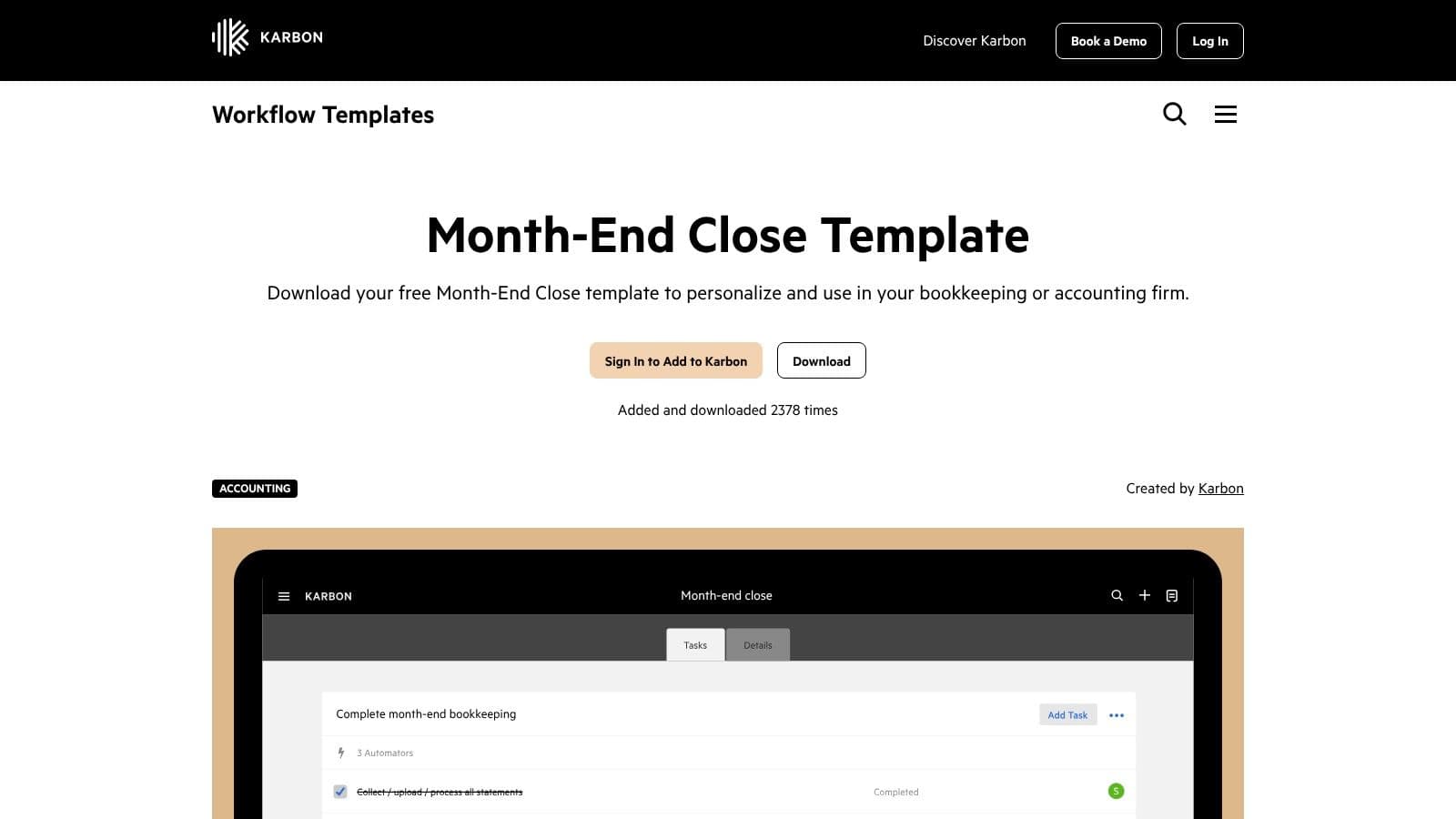
This resource stands out because it's purpose-built for the unique demands of client service. The structure isn't just about closing one company's books; it’s about creating a repeatable, scalable system across a portfolio of clients. Each task is grouped by functional area, like revenue reconciliation or payroll processing, with recommended due dates that guide your team toward a consistent 10-day close. This systematized approach is a core element of high-quality client service and aligns directly with the structured processes that underpin strong financial reporting best practices.
| Feature Analysis | Assessment |
|---|---|
| Workflow Structure | Designed for client management with clear task grouping, assignments, and recommended timelines. |
| Customization & Format | Can be imported directly into the Karbon platform for full automation or downloaded for standalone use. |
| Firm-Specific Focus | Templates are purpose-built for accounting and bookkeeping firms managing multiple client closes. |
| Access Requirement | Some template actions require a sign-in, and the best experience requires a Karbon subscription. |
| Limitations | The full automation and collaboration benefits are lost when using the template outside of the Karbon app. |
8. Financial Cents
Financial Cents offers a free month-end close checklist template specifically designed for accounting firms and businesses managing multiple client accounts. This resource is valuable because it transitions seamlessly from a downloadable Excel file into a live workflow within their practice management software. Accessing the template requires providing an email, which is a standard trade-off for a tool built with direct input from bookkeepers and accountants.
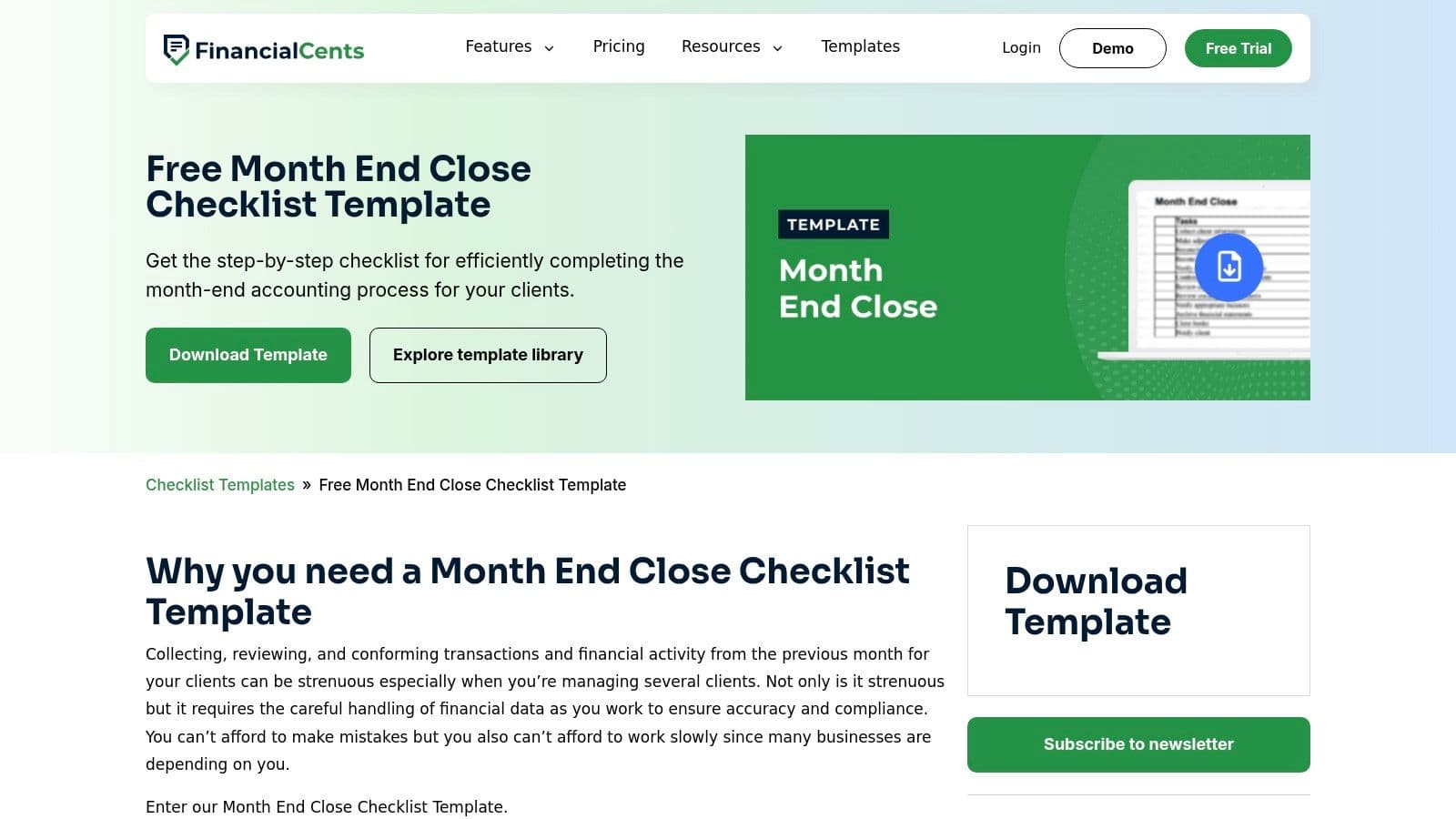
The template's key advantage is its direct path to operationalizing your close. Instead of just organizing tasks, it encourages you to create a standardized, repeatable system within a dedicated tool. This is ideal for professional services firms or agencies aiming to unify processes across their finance team or for multiple clients. While the free template is a strong starting point, unlocking the full power of automation and integrations requires a paid plan. However, the initial download provides a solid foundation for structuring a more disciplined and transparent financial close. The supporting guides offer context that helps you refine your monthly close process into a complete framework.
| Feature Analysis | Assessment |
|---|---|
| Workflow Structure | Designed for multi-client management, making it ideal for firms or internal finance teams with similar needs. |
| Customization & Format | Starts as a standard downloadable file but is built to be imported and customized within the Financial Cents app. |
| Integration Path | The template is a direct on-ramp to their paid workflow software, offering a clear upgrade path to automation. |
| Access Requirement | Gated by an email/newsletter subscription, a common practice for high-value, specialized templates. |
| Limitations | Advanced features like automated reminders, client portals, and integrations are locked behind paid tiers. |
Get the template from Financial Cents
9. Template.net
Template.net functions as a broad template marketplace offering multiple month-end closing checklist files that are editable online or downloadable. Its key differentiator is the variety of formats available, including Word, Google Docs, Excel, and PDF. This flexibility is ideal when you need a professionally styled, client-facing checklist that can be branded and exported quickly without much design effort.
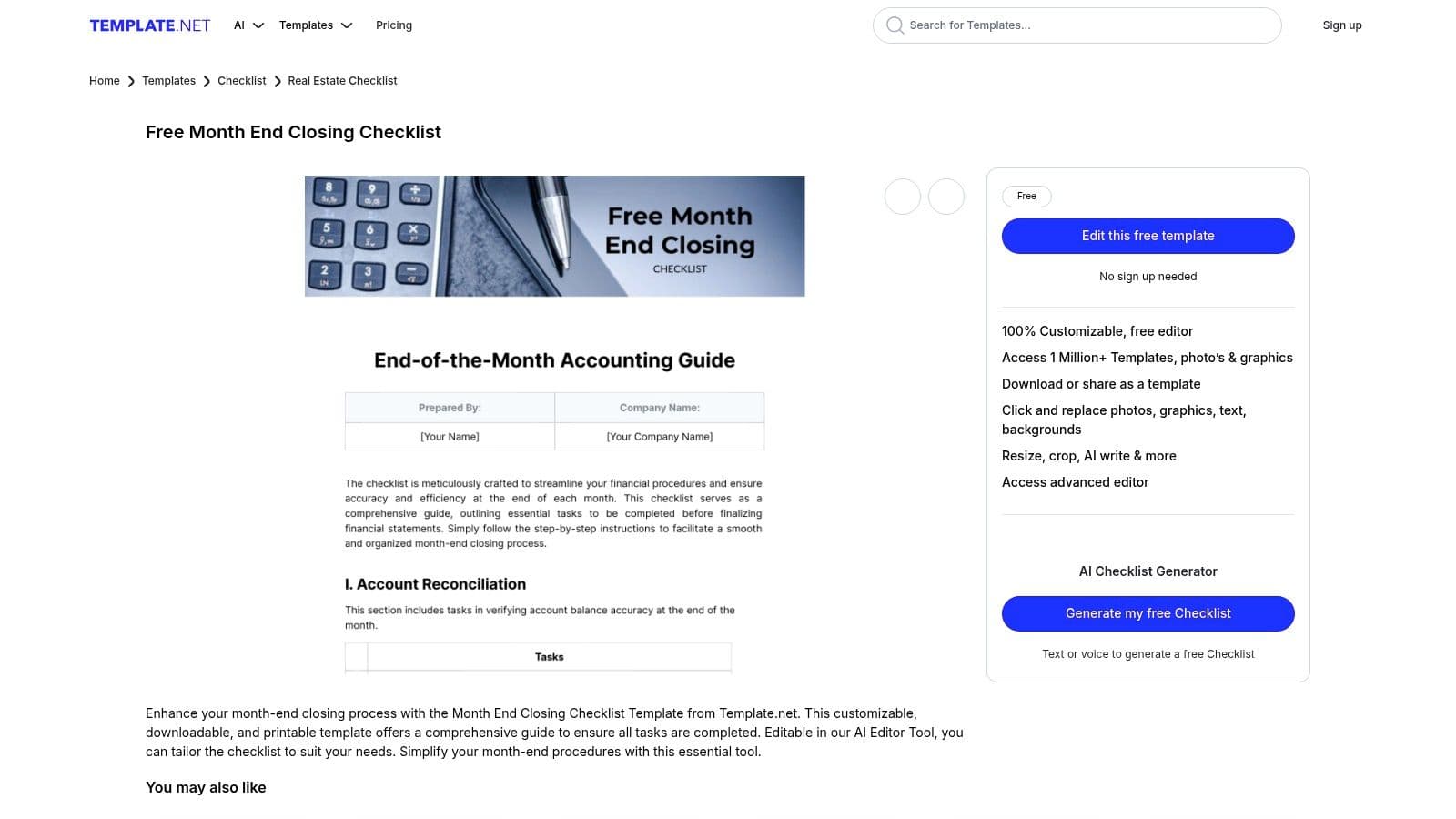
Unlike pure accounting-focused providers, Template.net emphasizes design and document polish. You can use its browser-based editor to add your company logo, adjust colors, and then share it with external stakeholders who may not be comfortable in a raw spreadsheet. The platform also offers niche templates, such as an IT-specific monthly close checklist, which can be a useful starting point for technology departments. However, the accounting rigor varies significantly between templates, so you will need to carefully vet the content to ensure it meets your financial control standards.
| Feature Analysis | Assessment |
|---|---|
| Multi-Format Availability | Downloadable in Word, Google Docs, Excel, and PDF, catering to diverse team preferences and toolsets. |
| Visual Customization | The online editor makes it simple to brand checklists for professional, client-facing presentation. |
| Content Quality | Varies widely; templates prioritize design over deep accounting detail, requiring manual review and updates. |
| Access Requirement | Many of the higher-quality designs or advanced editing features require a paid subscription or credits to access. |
| Limitations | Lacks the built-in financial controls, preparer/reviewer workflows, and audit-readiness of accounting-specific tools. |
Get the template from Template.net
Red Flags: Warning Signs Your Close Process Is Broken
Even with a template, your process can fail. Watch for these warning signs:
- Constant "Small" Adjustments: If you are frequently restating prior-month financials to fix errors, your review process is inadequate. Financials should be final.
- Bank Balance Doesn't Match P&L: A profitable P&L with a dwindling cash balance indicates serious issues, likely in your accounts receivable, accounts payable, or revenue recognition processes.
- Surprise Accruals: If large, unexpected expenses consistently appear after the close, your team isn't communicating effectively with department heads to accrue for costs incurred but not yet invoiced.
- The "Excel Guru": When your entire close process depends on one person's complex spreadsheet, you have a massive key-person risk. A proper system is documented and transferable.
10. Etsy
For solopreneurs, freelancers, and very small businesses, Etsy offers a surprisingly practical source for a month-end close checklist template. The platform hosts numerous independent creators who sell low-cost, instant-download templates in Google Sheets, Excel, and PDF formats. This is the ideal route if you need a functional, visually organized checklist immediately without committing to a software platform or navigating a corporate resource library. Listings are typically priced under $10, making it an accessible starting point for formalizing your financial processes.
Etsy's value lies in its variety and the user-review system. You can quickly see which templates are popular and well-regarded by other small business owners. While these templates lack the accounting rigor of those built by auditors or finance software firms, they excel in usability and simplicity. They often include clear instructions and are designed for individuals who may not have a deep finance background. This makes Etsy a great choice when your primary goal is simply to organize your tasks and ensure nothing critical gets missed, rather than preparing for a formal audit. Just be sure to vet the seller's reviews before purchasing to gauge the quality.
| Feature Analysis | Assessment |
|---|---|
| Workflow Structure | Generally basic task lists; preparer/reviewer roles are not a standard feature but can be added. |
| Customization & Format | High. Instant-download files in Google Sheets, Excel, and PDF are easy to modify for your specific needs. |
| Variety & Accessibility | Excellent. A wide selection of styles and complexity levels from different creators are available instantly. |
| Access Requirement | Requires a small one-time payment (often under $10). No email subscription or demo is required. |
| Limitations | Quality and accounting accuracy vary significantly by seller. Lacks professional-grade controls and integrations. |
11. Mesh Payments
Mesh Payments offers a straightforward month-end closing checklist template designed to enforce accountability and completeness. Published as part of its business templates hub, this free resource focuses on assigning responsibilities, making it a pragmatic choice for SMB finance teams, even if you don't use the Mesh spend management platform. It is downloadable as an Excel file after you provide your business email and company information.
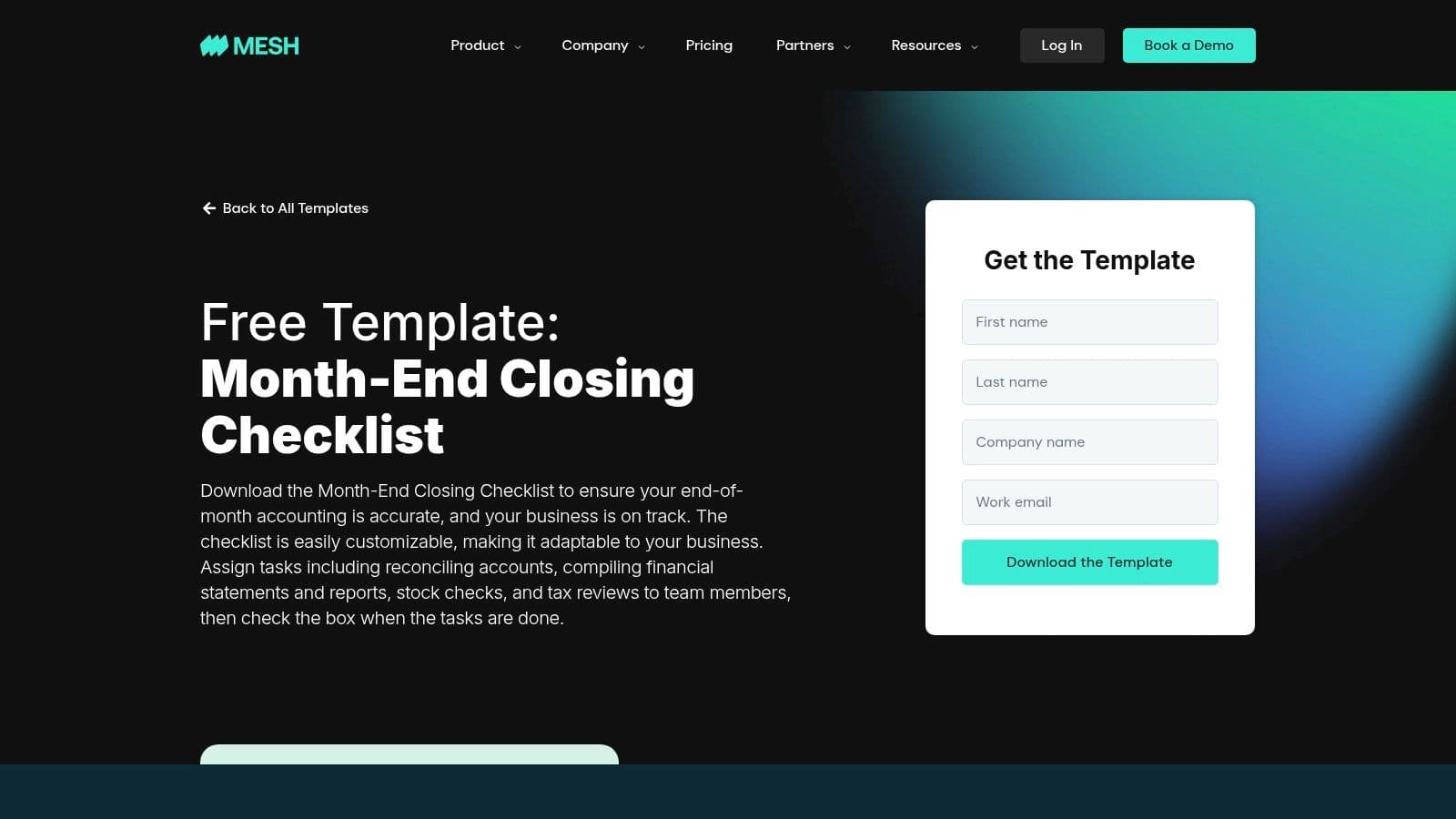
The template's strength lies in its simplicity and direct focus on task ownership. It covers key areas like reconciliations, financial reporting, inventory checks, and tax reviews in a clean, uncluttered layout that is easy to adapt. While it provides a solid foundation, it intentionally avoids deep GAAP-specific complexities, positioning it as a practical tool for growing businesses that need to establish a structured, repeatable close process without overwhelming the team. This makes it an effective month end close checklist template for firms formalizing their initial financial controls.
| Feature Analysis | Assessment |
|---|---|
| Workflow Structure | Emphasizes task assignment and ownership, which helps clarify roles and responsibilities. |
| Customization & Format | Standard Excel format allows for quick and easy customization to fit your specific closing tasks. |
| Target Audience | Best suited for SMBs and startups that need a simple, functional checklist to organize their close. |
| Access Requirement | Gated by a form, so you should anticipate receiving marketing communications from Mesh Payments. |
| Limitations | Lacks the detailed, GAAP-oriented guidance found in templates from specialized accounting software vendors. |
Get the template from Mesh Payments
12. Easy Month End
Easy Month End offers a downloadable Excel month-end close checklist template covering AP, revenue, leasing, inventory, reconciliations, and more. The free template includes step-by-step instructions and cell-level guidance so you can close in five days or less. It also pairs with a SaaS product that can ingest your Excel checklist for task assignment, real-time updates, and notifications. You’ll need to submit a business email to download, and you can start a 14-day free trial of the SaaS tool with import assistance.
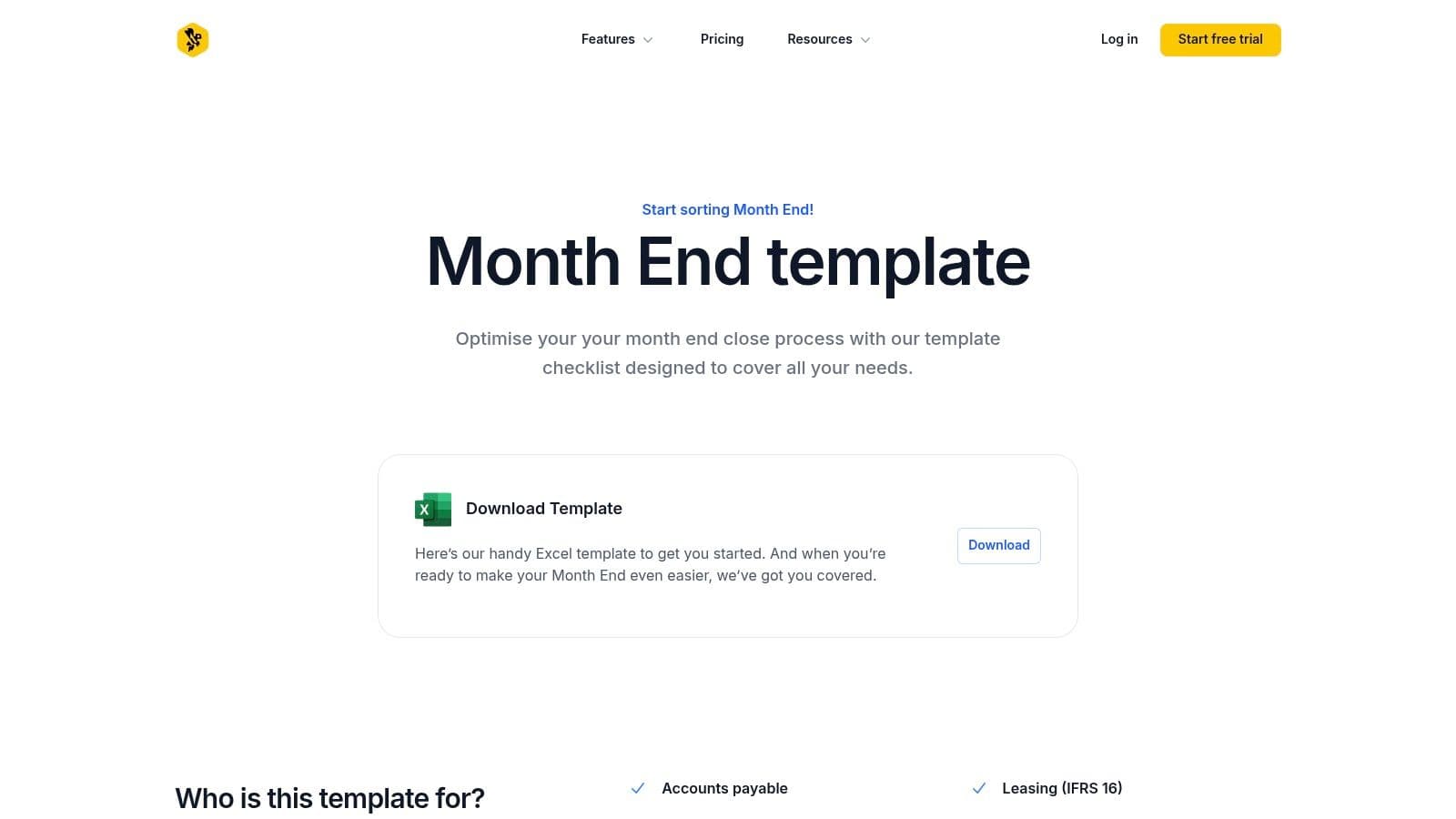
This template stands out because you can seed an existing process into software without rebuilding your workflow. The clean grid UI and color-coded status flags make tracking progress simple. The Excel file is fully unlocked for customization, and the onboarding team helps map your accounts to the platform. Pricing starts at $299 per month for up to five users after the trial. This makes Easy Month End ideal if you want a low-friction starter template and a clear path to an automated close once your team grows.
| Feature Analysis | Assessment |
|---|---|
| Coverage | AP, revenue, leasing, inventory, reconciliations in one file |
| Import to SaaS | One-click upload seeds tasks and owners in the dashboard |
| Access | Free template with gated download, 14-day SaaS trial included |
| Customization | Fully editable Excel file; side-by-side mapping to your chart of accounts |
| Limitations | Newer platform with fewer third-party reviews; best value if you subscribe |
Get the template from Easy Month End
12-Tool Comparison: Month-End Close Checklist
| Solution | Core Features | UX & Quality (★) | Value & Price (💰) | Target Audience (👥) | Unique Selling Points (✨) |
|---|---|---|---|---|---|
| 🏆 QuickBooks Cleanup & 5-Day Close — Jumpstart Partners | Fixed‑fee QuickBooks cleanup; 5‑day close checklist; ASC 606; integrations (QB, Stripe, Shopify, Gusto); SOC 2 Type II; 99.8% accuracy | US CPA team; investor-ready deliverables; avg 5‑day close; ★★★★★ | Fixed‑fee projects + tiered monthly plans; month‑to‑month; 30‑day money‑back; 💰Mid–High (high ROI via error recovery) | 👥 SaaS, agencies, e‑commerce, professional services, $500K–$20M revenue | ✨ US CPA team, SOC2, 5‑day close, 99.8% accuracy, audit/investor-ready |
| FloQast | Excel month‑end templates: preparer/reviewer structure & MS ERP variant | Built by ex-auditors; clear roles & timeboxing; ★★★★☆ | Free download (gated); automation not included; 💰Free | 👥 Controllers, accounting teams modeling close processes | ✨ Accountant-built templates; enterprise spreadsheet focus |
| ClickUp | Project‑management template: tasks, statuses, custom fields, automations | Fast deploy; cross‑functional visibility & approvals; ★★★★☆ | Freemium; some automations require paid tiers; 💰Low–Mid | 👥 Teams standardizing close in PM tools (ClickUp users) | ✨ Workflow automation inside PM tool; multiple views/approvals |
| Coefficient | Google Sheets/Excel template with live data sync via add‑on; fast‑close variant | Reduces manual updates & version drift; ★★★★☆ | Free template; add‑on/subscription for full sync; 💰Free→Paid | 👥 Teams preferring Sheets/Excel that want live data links | ✨ Live BI/ERP data in Sheets/Excel for near‑real‑time checks |
| Numeric | Downloadable checklist + close‑management product with audit controls | Template aligns with app for upgrade path; audit trail focus; ★★★★ | Template often lead‑in to subscription; 💰Mid | 👥 Scaling teams moving from spreadsheets to dedicated close tool | ✨ Emphasis on audit controls, journal reviews, reconciliations |
| Rippling | Excel 4‑phase checklist with tasks, owners, priorities & time estimates | Quick to adopt; time estimates aid resourcing; ★★★★ | Free download (gated); generic needs tailoring; 💰Free | 👥 SMB finance teams; non‑Rippling users who want structure | ✨ Phased workflow with time estimates for planning |
| Karbon | Template library for firms: grouped tasks, recommended dates, in‑platform recurrence | Firm/client workflow focus; community‑vetted; ★★★★ | Best inside Karbon (automation); download possible; 💰Mid | 👥 Accounting/bookkeeping firms managing many clients | ✨ Designed for firm workflows; easy scaling across clients |
| Financial Cents | Template + direct project creation, team sharing, how‑to guides | Built with bookkeepers; easy in‑app conversion; ★★★★ | Template download (gated); advanced features paid; 💰Low–Mid | 👥 Bookkeeping/accounting firms with multi‑client workflows | ✨ Templates + guides + direct import to workflow app |
| Template.net | Marketplace of styled checklists in Word/Sheets/Excel/PDF with online editor | Fast branding/export; visual quality varies; ★★★ | Pay‑per‑template or subscription; 💰Varies (low→mid) | 👥 Small teams needing polished, client‑facing checklists | ✨ Multiple file formats and browser editor for quick branding |
| Etsy | Independent seller templates (Google Sheets/Excel/PDF) with buyer reviews | Instant download; quality varies widely; ★★★ | Very affordable (many <$10); 💰Very Low | 👥 Solopreneurs, microbusinesses needing cheap templates | ✨ Low cost, wide stylistic variety, instant access |
| Mesh Payments | Pragmatic checklist focused on ownership, reconciliations and completeness | Clean SMB structure; easy to adapt; ★★★★ | Free download (gated); 💰Free | 👥 SMB finance teams wanting simple, assignable checklists | ✨ Focus on task ownership; part of broader templates hub |
| Easy Month End | Broad Excel template covering AP, revenue, inventory + SaaS import path | Practical starter + import to SaaS; clear instructions; ★★★★ | Free trial; best value when adopting SaaS; 💰Free→Mid | 👥 Teams wanting a template now and software later | ✨ Import Excel checklists into a purpose‑built close app |
Your Actionable Next Steps
Transitioning from a chaotic, manual month-end scramble to a streamlined process is a strategic necessity. The difference between a three-week close and a five-day close directly impacts your ability to make timely, data-driven decisions. A generic, one-size-fits-all approach is obsolete. Your choice of a month end close checklist template must align with your business model, team size, and tech stack.
How to Implement Your New Close Process
- Choose Your Foundation: Select the template or system from this guide that best fits your company's current stage and complexity. A SaaS company has vastly different needs than a digital agency.
- Customize Ruthlessly: Schedule a 2-hour workshop with your finance and operations team. Go through the template line-by-line. Delete irrelevant tasks. Add specific steps for your revenue streams, bank accounts, and software tools (e.g., "Reconcile Stripe payouts to invoices," not just "Reconcile cash").
- Assign Clear Ownership and Deadlines: Every single task must have one owner and a specific due date (e.g., "WD+2" for working day 2). There should be zero ambiguity about who is responsible for what.
- Conduct a Post-Mortem: After your first close with the new process, hold a 30-minute review. What went well? Where were the bottlenecks? What tasks took longer than expected? Update your checklist based on these findings. Your checklist is a living document.
- Look Ahead to Automation: Once your manual process is consistent and reliable for three consecutive months, you have earned the right to automate. Now is the time to evaluate dedicated close management software like FloQast or Numeric to scale the process.
The most effective month end close checklist template is the one you actually use, refine, and trust. It evolves from a simple task list into the central nervous system of your finance function. Use the resources in this guide to build that system, reclaim your time, and transform your finance department from a reactive cost center into a proactive strategic partner.
If your books are messy and a 5-day close feels impossible, the issue is deeper than just a checklist. Jumpstart Partners specializes in cleaning up historical financials for growing businesses and implementing the exact systems and processes needed for a fast, accurate, and audit-ready close every single month. Schedule a no-obligation consultation to get a clear plan for building your investor-ready finance function.