Financial Operations
Invoice Automation Tools: 10 Options Compared for 2026
Compare 10 invoice automation tools for 2026 by features, pricing, and QuickBooks, Xero, and Stripe fit. Pick the right one for your SaaS or agency.
ByJumpstart Partners, CPA, QuickBooks ProAdvisor
··17 min readMost invoice automation tools automate the bills you pay, not the invoices you send, and that mix-up costs you real money before you choose anything. Say your team processes 300 vendor bills a month at 8 minutes of manual entry each. That's 40 hours a month, or roughly $1,800 at a $45 loaded hourly cost, before late-payment penalties and close delays. Ardent Partners' 2024 AP benchmark puts the average all-in cost at $9.40 per invoice, with 9.15 days of processing time.
Capture is not control. If a tool reads the PDF but leaves coding, approvals, and accruals to your inbox, your close hasn't moved. Steven, founder and former controller on a public B2B SaaS finance team
Accounts payable tools handle bills you owe. Invoicing and billing tools create invoices you send to customers. Most tools on this list sit squarely in the AP group, so don't buy one expecting it to fix customer billing, dunning, or revenue recognition.
You'll see three groups below. Dedicated AP platforms, bill capture inside accounting software, and ERP-native capture. If you're a founder, CEO, or finance lead at a SaaS company, agency, or professional services firm between $500K and $20M in revenue, read on to decide which side of the ledger you're fixing, which workflow fits your volume, and where a controller still has to own the close.
Table of Contents
- 1. BILL
- 2. Ramp Bill Pay
- 3. Melio
- 4. Tipalti
- 5. Stampli
- 6. Airbase
- 7. QuickBooks Bill Pay
- 8. Zoho Books
- 9. Dext
- 10. NetSuite Bill Capture
- Invoice Automation Tools at a Glance
- Pick Your Tool, Then Pair It With the Right Close Process
1. BILL
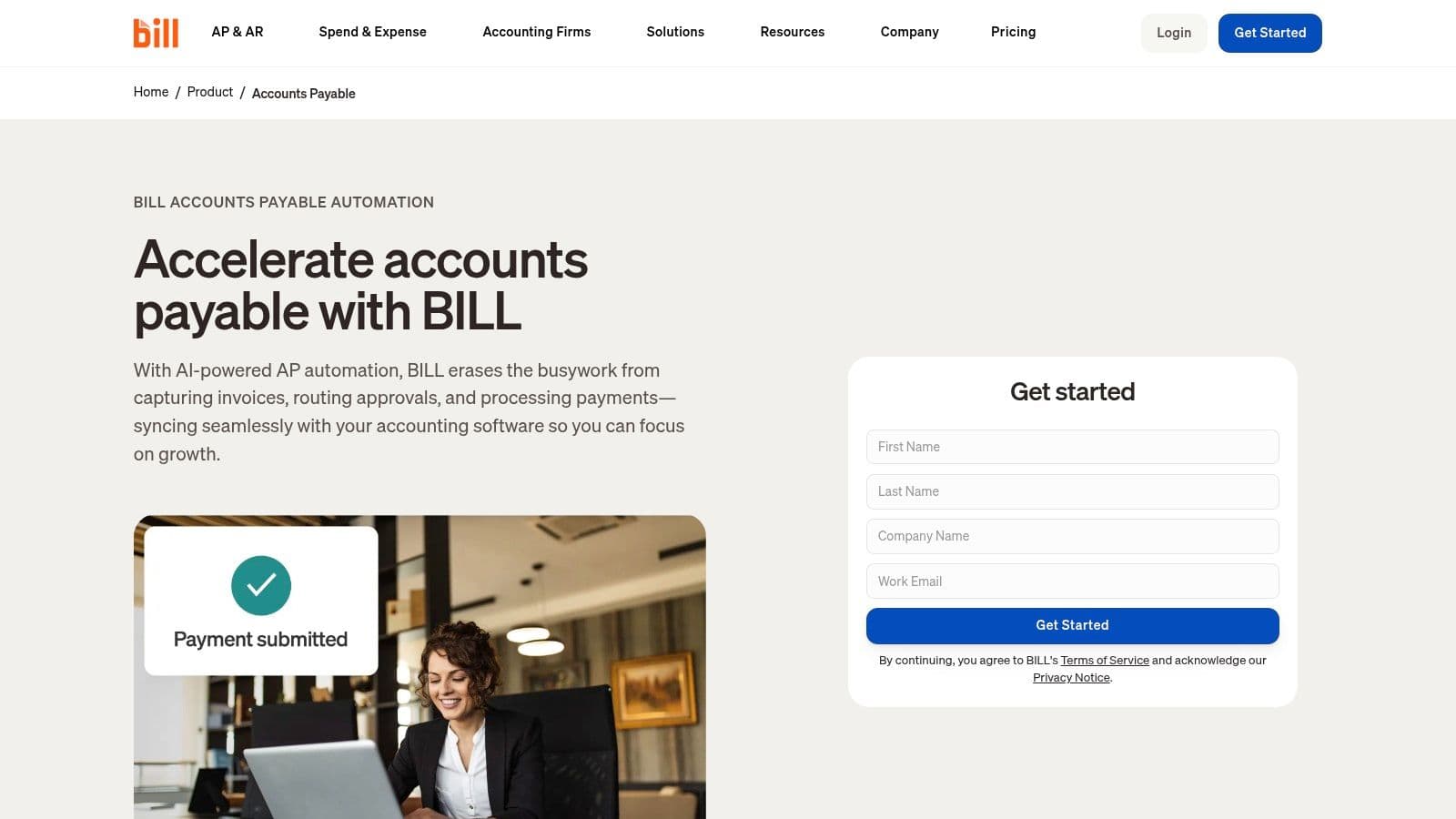
BILL is the default starting point for small and midsize teams that need bill intake through payment in one place. You get a centralized bill inbox, invoice capture, and configurable approvals tied to user roles. It also covers accounts receivable, which makes it one of the few names here that touches both sides of the ledger.
Pricing is public and per user. AP plans run $49, $65, and $89 per user per month, with custom enterprise pricing on top. That math turns against you fast when you add every department approver as a paid seat, and some payment methods carry transaction fees you need to model before you commit.
Where BILL fits your close
- Multi-line coding: AI-assisted coding on eligible plans helps you split one vendor bill across departments or projects.
- Accounting sync: QuickBooks Online and Xero integrations come standard, with broader integrations on higher tiers.
- Accountant option: Firms managing multiple client books get a partner route that fits outsourced bookkeeping well.
I recommend BILL when you're on QuickBooks or Xero, you have a handful of approvers, and you want payment execution handled. Watch the per-user cost creep and budget for support delays reported in reviews. If your approver list runs into double digits, quote the full roster before you sign, not just your finance seats.
2. Ramp Bill Pay
Pick Ramp Bill Pay when your real problem is total company spend, not just vendor bills. Ramp folds bill pay into corporate cards, expenses, and spend controls, so a SaaS subscription paid by card and a contractor invoice paid by ACH land in the same control system. That unified view is the strongest reason to choose it over a standalone AP tool.
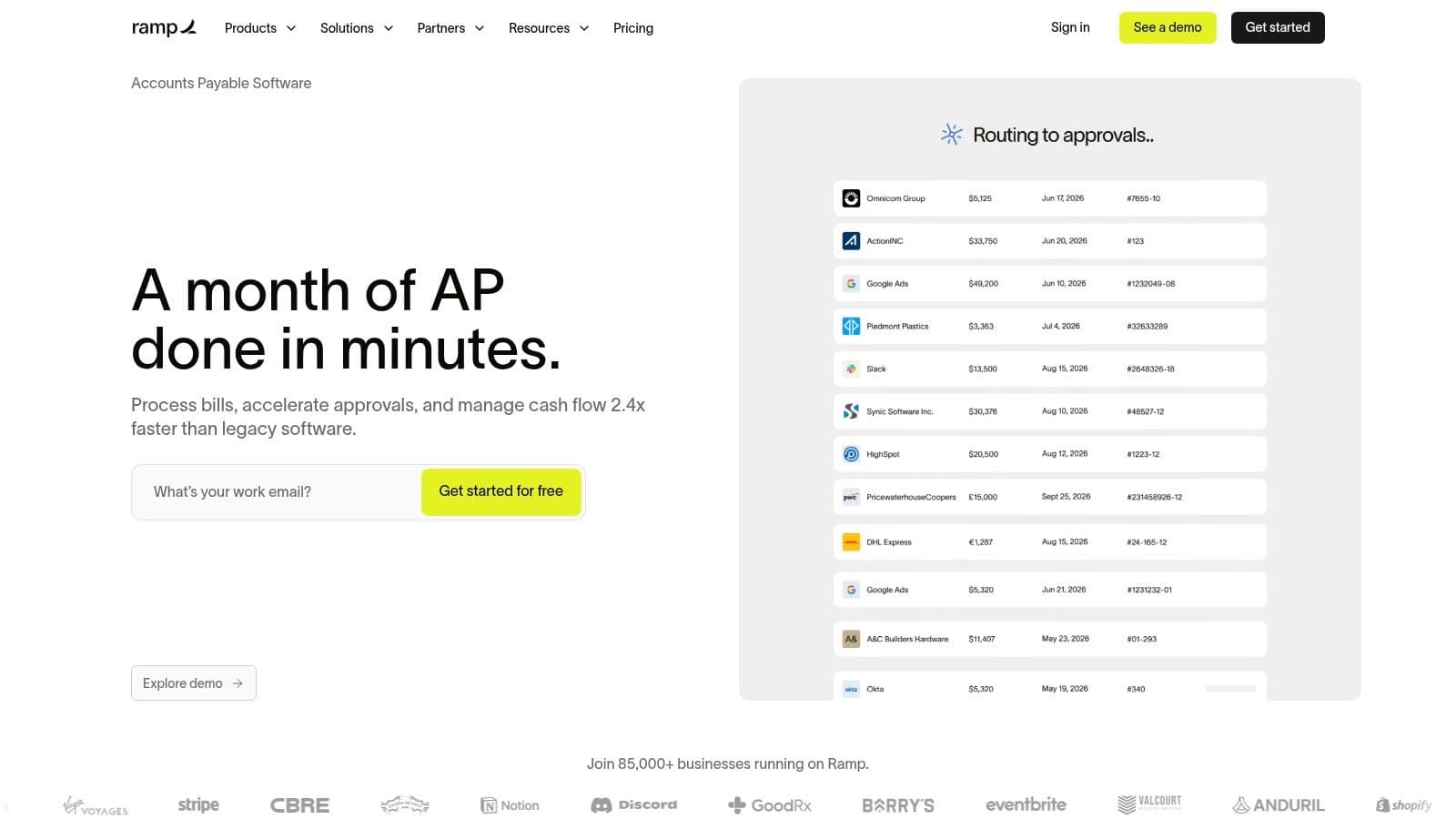
Vendors send invoices to an AP forwarding inbox or your team uploads them. OCR extracts fields and line items into a draft bill, approval routing sends it to the right owner, and payment scheduling syncs back to your accounting software. Entry platform access is listed at $0 per user per month, which removes the usual budget fight.
The catch is tiering. AI-assisted coding, fraud checks, and PO matching sit on higher tiers, and payment fees vary by method. Don't assume the free tier gives you the controls an auditor wants.
Practical rule: Price Ramp on the paid tier that includes fraud checks and PO matching, because that's the tier you'll actually run at close.
Ramp suits growing SaaS and agency teams already issuing Ramp cards. It's AP only. It won't send customer invoices, so pair it with your billing system and keep a controller reviewing coding before month-end posts hit the ledger.
3. Melio
Melio earns its keep when paying vendors through the right rail matters more than elaborate workflow design. The feature that changes cash timing is card-funded vendor payment: you can pay a vendor by card even when that vendor doesn't accept cards directly, which buys float on large bills. Melio stays on the payables side, so customer invoices remain in your billing system.
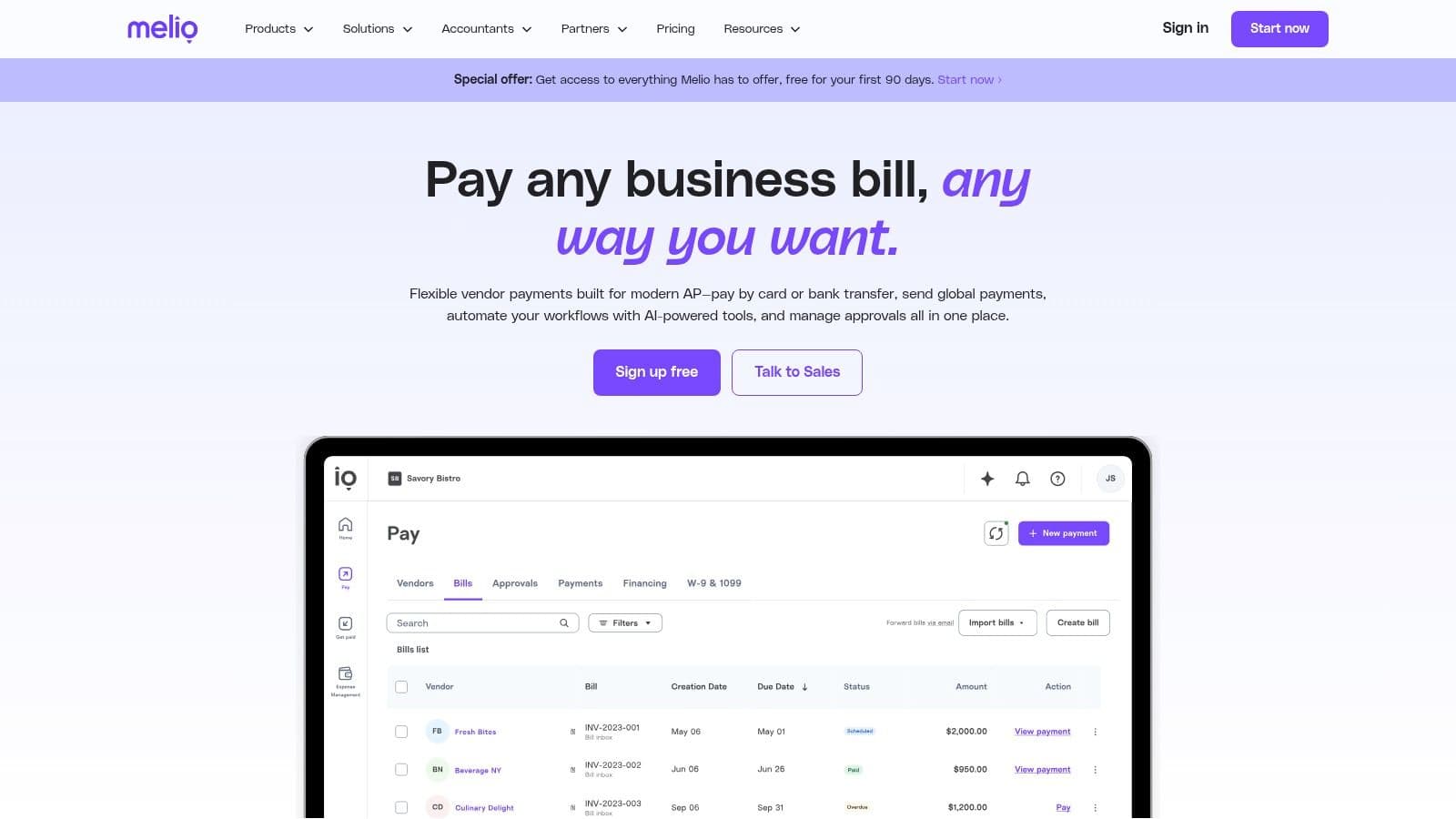
Bill capture runs through AI bill capture into a dedicated inbox, with ACH, check, wire, and card payment options plus auto-pay and batch runs for recurring vendors. QuickBooks Online and Xero sync keeps posted payments moving back to the ledger without rekeying. On Melio's site, the Go plan is $0 and Core is $25 per month, with higher-volume plans on custom pricing.
What to check before you rely on it
- User limits: The free Go plan covers one user, so a second approver pushes you into a paid setup.
- Payment allowances: Free ACH has a monthly cap, and extra or faster payments add fees.
- Approval depth: Custom workflows and stronger sync need paid plans.
I'd put Melio with a small agency or services firm on QuickBooks that has simple bills and one decision maker. It stops fitting once coding needs department discipline, approvals branch across managers, or accrual review matters at close. The free plan then costs more than it saves because cleanup still lands on the bookkeeper each month.
4. Tipalti
International suppliers change the buying decision entirely, and Tipalti is built for that complexity. It runs supplier onboarding, invoice capture, approvals, PO matching, cross-border payments, and reconciliation as one end-to-end system. If you pay contractors or vendors across entities and countries, this breadth removes the patchwork organizations build by accident.
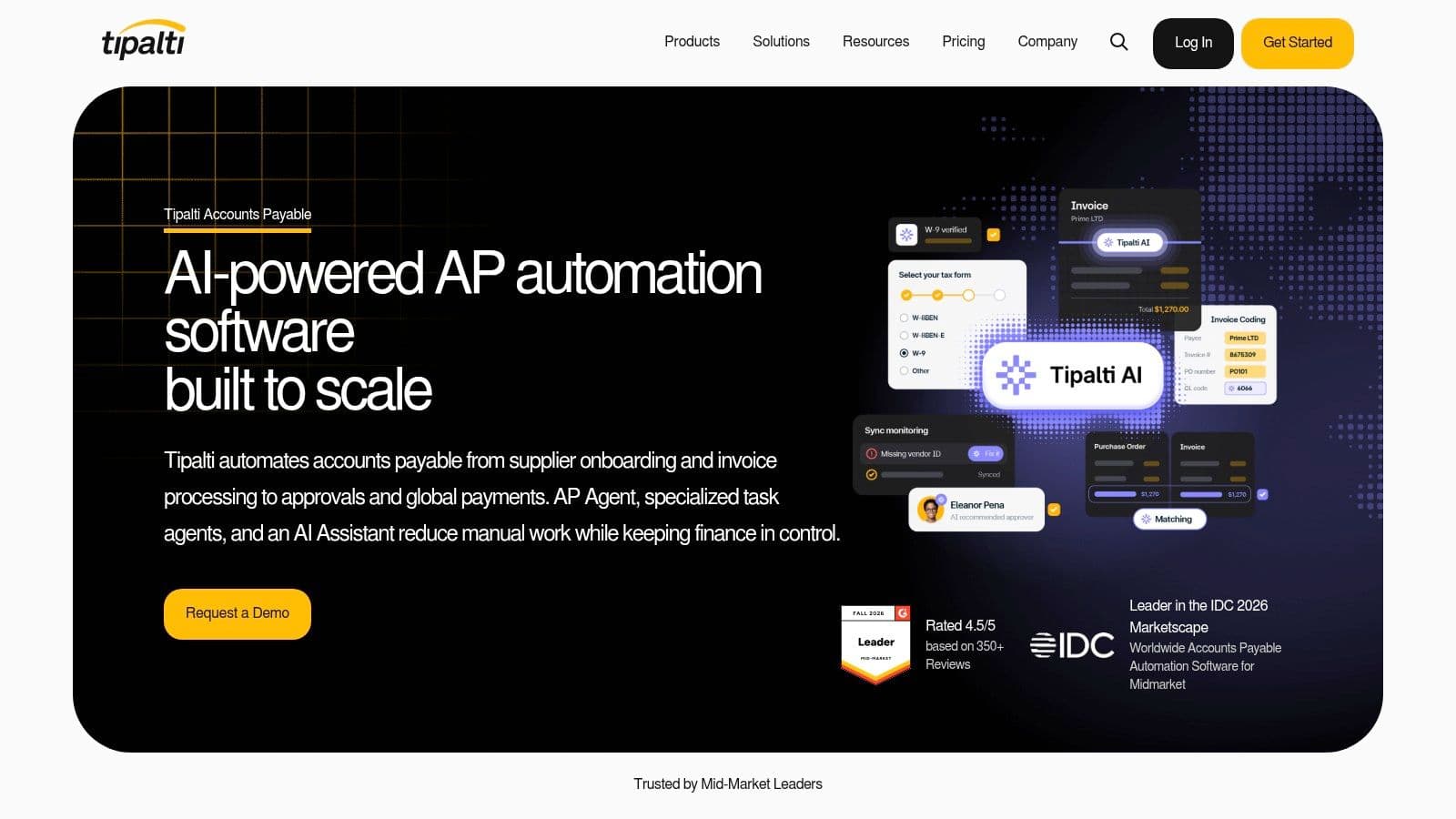
Supplier self-service onboarding pushes tax forms and bank details to the vendor, which protects your team from handling sensitive data in email. Two and three-way PO matching catches quantity and price mismatches before payment. Accounts Payable plans start at $99 per month, then transaction pricing applies to invoices and payments.
That transaction layer is where your business case lives or dies. Model your actual monthly invoice and payment counts, not your best guess. Complex rollouts may also need professional services, so get implementation scoped in writing.
Controls justify the spend here. A Tipalti 2026 global finance survey found only 21% of respondents were very confident their processes would detect a fraudulent vendor-payment change before funds went out. For a domestic team with twenty bills a month, Tipalti is more platform than you need. For multi-entity growth, I think it's the safest pick on this list.
5. Stampli
Approval chatter scattered across email and Slack is where your audit trail dies. Stampli organizes AP around the invoice itself, squarely on the payables side of the ledger: capture, coding, matching, discussion, and audit history all sit on one shared record your approvers and accountants can see.
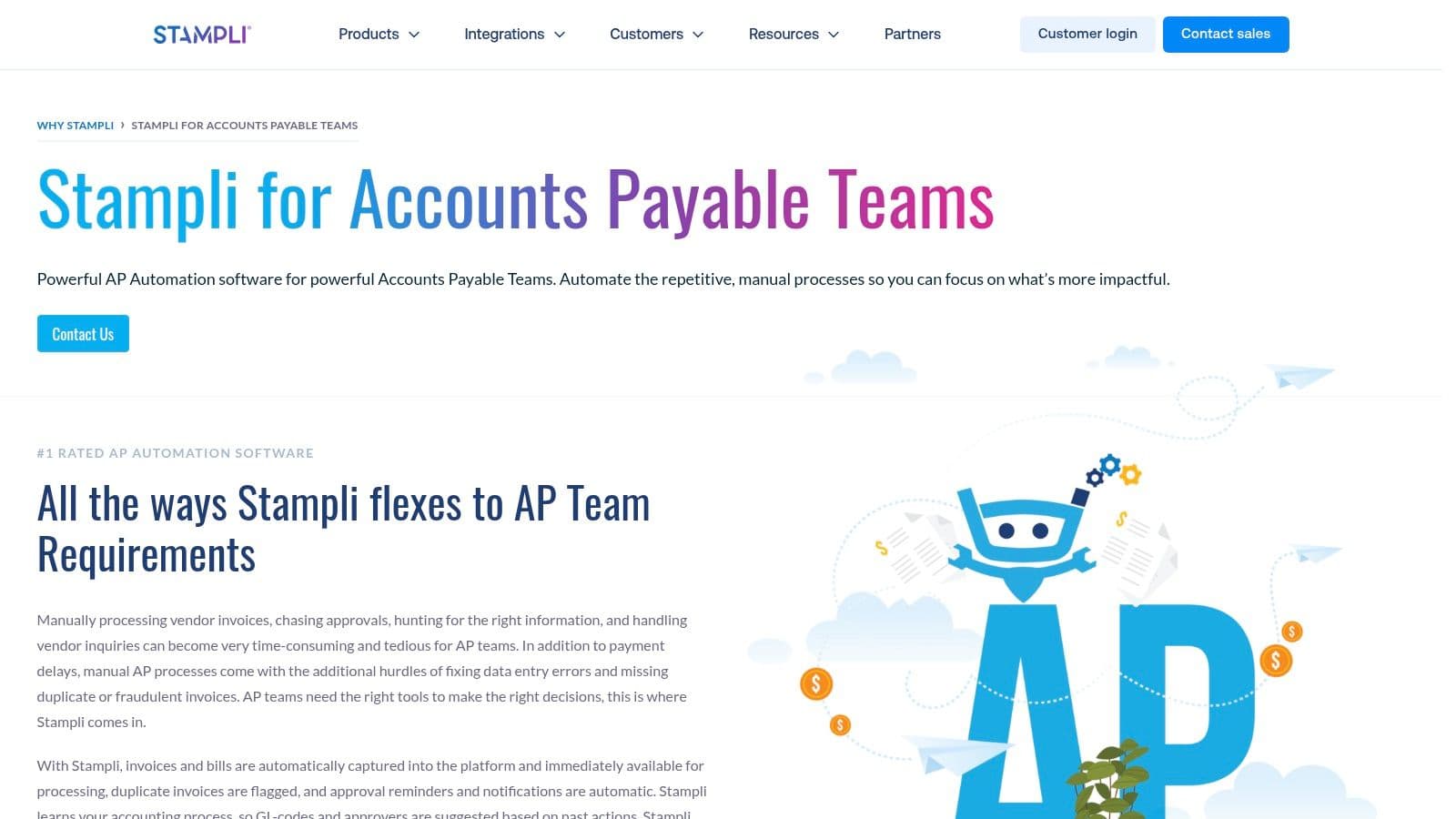
Stampli sits on top of your existing accounting or ERP system. Integrations include QuickBooks Desktop, NetSuite, and Sage Intacct, and the QuickBooks Desktop connection can use records like classes, jobs, and purchase orders. That depth matters if you haven't migrated to a cloud ledger yet.
At close, that shared record pays off, because the answer to "who approved this bill and why was it coded this way" is already on the invoice.
Pricing is quote-based and depends on the capabilities you select. Treat the quote as a scoping exercise: bring your chart of accounts, approval matrix, and exception types, and ask for a priced implementation plan in writing. Jumpstart Partners can run that scoping step with you, covering accounts payable automation software selection and approval workflow design before you sign a contract.
Pick Stampli when coding is messy, approvers argue in threads, and auditors ask who approved what. Skip it if you process a few simple bills monthly. You'll pay enterprise attention costs for a problem a basic inbox already solves.
6. Airbase
Airbase takes the widest swing on this list. It merges AP automation with procurement, expenses, and corporate cards, so spend control starts at the purchase request instead of the invoice. For department-heavy SaaS companies, that upstream control prevents the surprise bills that wreck forecast accuracy.
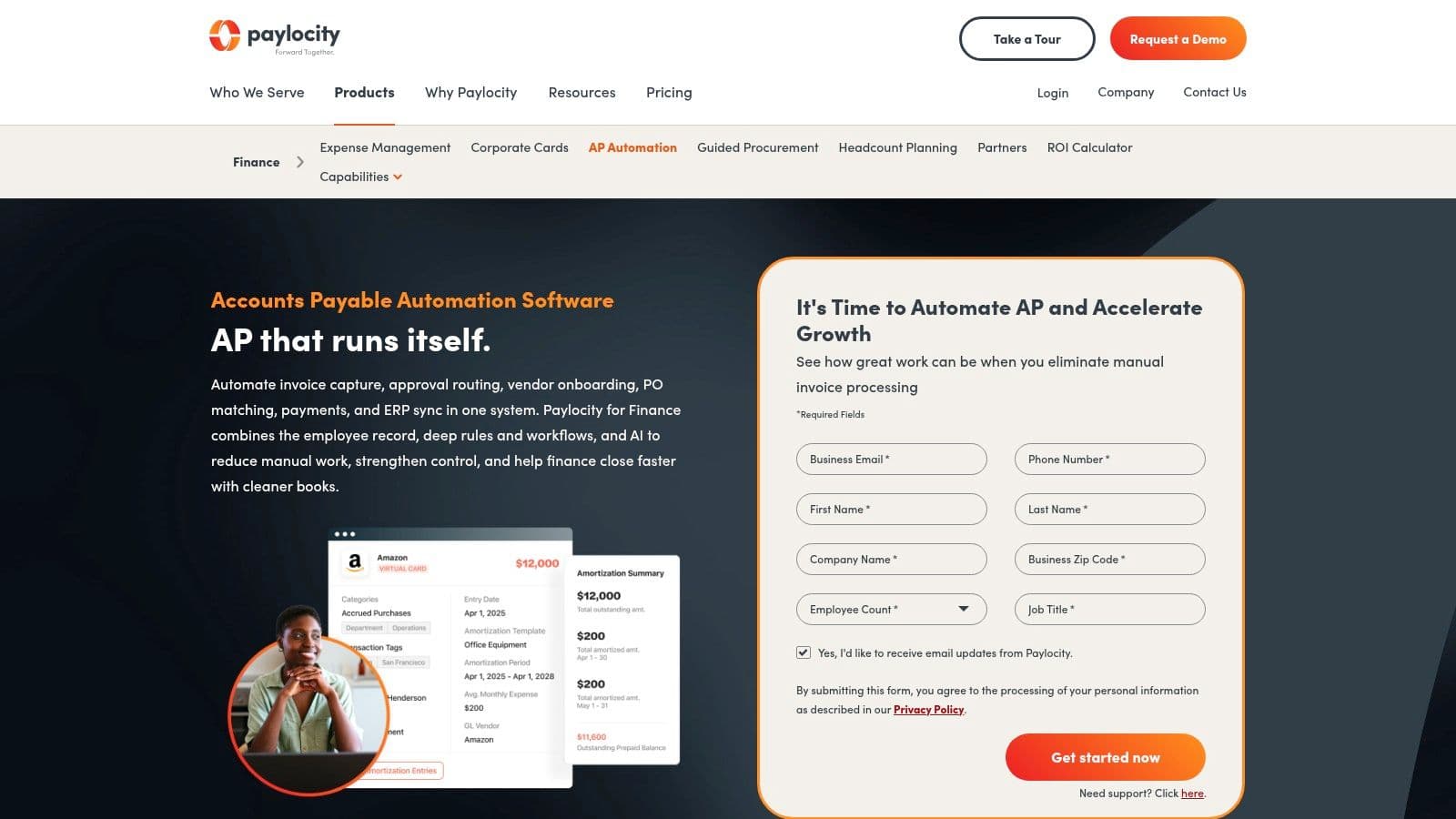
AI-powered OCR reads invoices and assists coding, while vendor onboarding, approvals, and payment scheduling run through defined workflows. Purchase orders with two or three-way matching and multi-subsidiary support cover structures that basic bill pay can't. Standard, Premium, and Enterprise packages are all quote-based.
Who should shortlist Airbase
- Multi-entity teams: You need subsidiary-level coding and international payments in one system.
- Procurement gaps: Employees commit spend before finance sees it, and you want PO discipline.
- Consolidators: You're replacing separate card, expense, and AP tools with one contract.
The trade-off is scope. A full procure-to-pay suite demands implementation time, policy decisions, and training your whole company will feel. Confirm required integrations and rollout effort before you sign. If you only need invoices paid on time, Airbase is more change than your problem requires, and simpler invoice automation tools will get you live faster.
7. QuickBooks Bill Pay
Already living in QuickBooks Online? QuickBooks Bill Pay keeps bills and payments inside the system your books already run on. You upload or import a vendor invoice, QuickBooks drafts a bill for review, and you schedule an ACH payment or mailed check without syncing to a second platform.
That simplicity has real value at close. There's no integration to break, no duplicate vendor list to reconcile, and no timing gap between the AP tool and the ledger. For a lean agency, removing one sync removes a whole category of month-end errors.
Pricing is modest. Basic is included with your QuickBooks subscription, Premium lists at $15 per month, and Elite at $45 per month before promotions, with standard ACH listed as free. The limits show up in control depth. Advanced approvals and payment-release workflows require higher tiers, standard delivery takes several business days, and expedited options cost extra.
Our breakdown of accounts payable automation in QuickBooks covers when the built-in route stops being enough. My call is direct. Start here if your bill volume is light and one person approves. Move to BILL or Ramp when approval chains, payment speed, or vendor volume turn convenience into a bottleneck.
8. Zoho Books
Zoho Books is the accounting system itself, with vendor bills, expenses, purchase orders, and approvals built into the bookkeeping workflow. That makes it a platform decision, and you should evaluate it the way you'd evaluate a ledger migration. On the ledger question this roundup sorts by, Zoho sits on the payables side, handling the bills you owe inside the same file that produces your close.
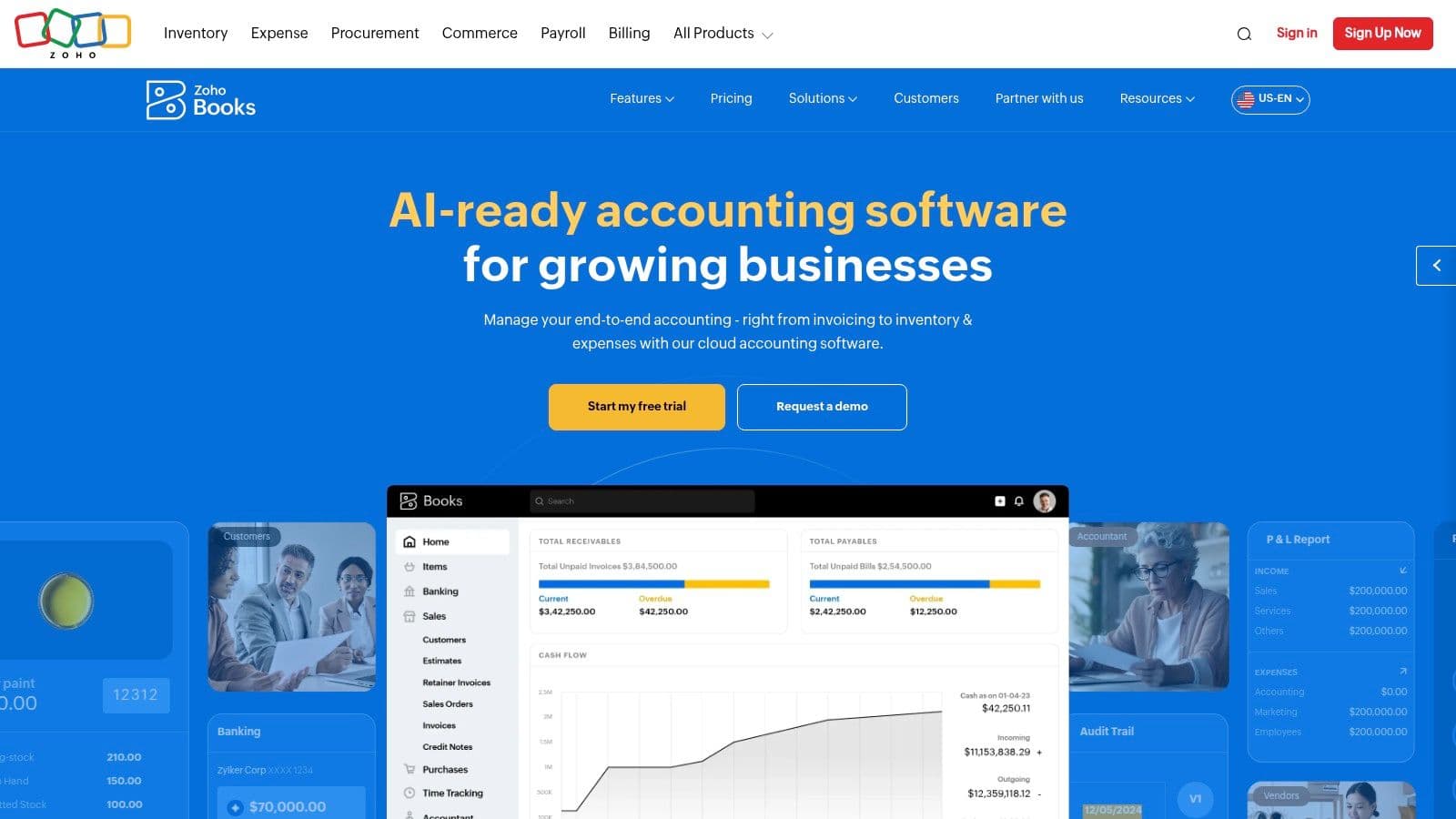
Document autoscan digitizes bills and receipts, purchase orders and purchase approvals arrive on the Professional plan, and higher plans add custom workflows. Zoho publishes its U.S. plan pricing: Standard is $20 per month, Professional $50, and Premium $70, with lower annual rates and a free plan for eligible small businesses.
Published pricing keeps your first cost comparison honest, which quote-only vendors don't allow. Read the free tier carefully, though. It targets solopreneurs and microbusinesses, not a growing firm that needs department approvals, and advanced customization lives on higher plans. A cheap plan that lacks your approval chain costs more at close than it saves at signup.
Zoho fits a small business picking its first real accounting system and wanting bills handled natively. Our notes on AP automation for small business help you size that decision. Already running QuickBooks, Xero, or NetSuite? Don't migrate ledgers to save on bill capture. The migration cost will swallow the savings whole.
9. Dext
Dext does one job and does it narrowly on purpose. It digitizes bills, receipts, and financial documents, extracts supplier, date, totals, tax, and invoice number, then pushes that data into your accounting software. It is not a payments platform, and judging it as one leads to a bad purchase.
That narrow focus is exactly why bookkeepers like it. Source documents and extracted data land in one place, so your close file holds evidence next to every transaction. Line-item extraction is available as an add-on, and the U.S. page lists a 50-document monthly bundle at $20.50 per month billed annually.
Set your expectations correctly
- Capture only: Approvals and payment execution still need a separate AP system.
- Volume pricing: Add-on extraction charges climb as document counts grow, so forecast your true monthly volume.
- Integration check: Confirm your accounting connection and plan allowances before rollout.
Our overview of invoice processing automation explains where capture ends and workflow begins. Pair Dext with QuickBooks Bill Pay or Melio if you need payments too. I recommend it when rekeying receipts is your bottleneck. If approvals stall your close, Dext alone won't move your close date by a single day.
10. NetSuite Bill Capture
If NetSuite is your system of record, NetSuite Bill Capture keeps bill entry inside it. Vendor bills arrive by upload or email, the feature extracts invoice details, and it suggests matching vendors, items, and purchase orders from your existing records. Your team reviews the scan before the vendor bill is created.
That review step matters. The tool learns from your corrections, so accuracy improves on your recurring vendors. Captured bills feed into NetSuite's existing approval and three-way-match workflows, which means your controls stay where your auditor already looks for them. There's no second vendor master to drift out of sync.
The constraints are hard ones. It only serves NetSuite customers, Oracle documents U.S.-only availability, file limits apply, and one uploaded file can't hold multiple bills. Standalone pricing isn't published, so confirm whether your edition or contract includes it.
Our guide to accounts payable automation in NetSuite maps the configuration questions to ask your NetSuite admin. Choose Bill Capture to cut rekeying without adding a vendor. Choose Stampli or Tipalti layered on NetSuite when approval collaboration or global payments outgrow native capture. Don't buy NetSuite for this feature alone.
Invoice Automation Tools at a Glance
| Item | Published Starting Price | Free Option | Best For |
|---|---|---|---|
| BILL | $49 per user per month | No free plan listed | Small and midsize businesses automating AP |
| Ramp Bill Pay | $0 per user per month | Yes, entry-level platform tier | Businesses combining AP with cards and spend controls |
| Melio | $0 per month | Yes, Go plan | Small businesses needing basic bill payments |
| Tipalti | $99 per month | No free plan listed | Businesses with high-volume or international payables |
| Stampli | Quote-based | No free plan listed | Teams needing invoice-centered approvals and collaboration |
| Airbase | Quote-based | No free plan listed | Finance teams managing procurement and spending across departments |
| QuickBooks Bill Pay | Included with a QuickBooks subscription | Basic is included with a QuickBooks subscription | QuickBooks Online businesses paying vendor bills |
| Zoho Books | $0 per month | Yes, for eligible small businesses | Small businesses combining accounting and bill management |
| Dext | $20.50 per month for 50 documents, billed annually | No free option listed | Businesses digitizing financial documents for bookkeeping |
| NetSuite Bill Capture | Not separately published | No free option listed | Existing NetSuite customers automating bill entry |
Pick Your Tool, Then Pair It With the Right Close Process
Start with the ledger you're fixing. If vendors chase you for payment and bills pile up before close, you're buying AP automation. If customers pay late, that's billing and collections, and none of these tools fix it alone. Naming that distinction first saves you a year on the wrong contract.
Filter next by volume and approval depth. A professional services firm with forty simple bills and one approver does fine on QuickBooks Bill Pay or Melio. A SaaS company with department owners, PO discipline, and subsidiaries needs Tipalti, Airbase, or Stampli depth. Your ERP breaks ties. NetSuite teams test Bill Capture first, QuickBooks teams start native, then graduate only when a named control gap appears.
Gaps are normal, so measure them. The Institute of Financial Operations and Leadership 2024 research found 74% of AP teams described their processes as only partially automated and just 5% reported full automation. Your goal isn't a vendor's automation percentage. It's fewer exceptions, faster approvals, and bills coded before close week starts.
Red Flags That Should Slow You Down
- Per-user pricing: Costs climb every time you add an approver, punishing good control design.
- Payment fees: Transaction charges can eat the labor savings you're buying the tool to create.
- Quote-only pricing: No scoped implementation plan means no real price, whatever the demo promised.
- Single-user free tiers: A free plan that stops at one seat isn't a pilot. It's a demo.
Fraud risk belongs in the same conversation. A 2024 survey of 1,533 senior finance executives reported an average U.S. loss of $133,000 per successful invoice-fraud incident. Separate invoice entry from payment approval, verify bank changes through a known contact, and require a second approver on high-value bills, whatever tool you pick.
Software routes documents. People own judgment, coding, and the numbers you report to your board.
Here's the pairing that works in practice. The tool captures, matches, and routes. A controller reviews exceptions, codes to the right departments, reconciles AP to the ledger, accrues missing bills, and closes on a fixed schedule. We work with your existing founder, ops, CPA, or bookkeeper setup rather than forcing a full reset, and we offer fixed-fee projects for AP setup, cash flow optimization, and books cleanup.
Before you sign a vendor contract, take three steps. List your current tools and monthly bill volume. Run that setup through the free Finance Ops Scorecard, which asks three quick questions to name your first likely finance break and why, with no email required for the first result. Then book a review of that result so the software decision follows your actual break, not a feature chart. For a second view of the wider market, read Matil's guide to invoice processing software.
Jumpstart Partners provides controller-led bookkeeping and AP automation setup for SaaS companies, agencies, and growing businesses, including approval workflow design and QuickBooks, Xero, and NetSuite integration. Visit Jumpstart Partners to book a review before you change any software.