Financial Operations
What Is AP Automation and Why Your Business Needs It
What Is AP Automation. Learn what AP automation is and how it saves growing businesses time, cuts costs, and reduces fraud. Get practical implementation steps
ByJumpstart Partners, CPA, QuickBooks ProAdvisor
··16 min readManual accounts payable processing costs $12.88 per invoice, compared with $2.78 when you use full automation, representing a 78% cost reduction. AP automation is software that moves invoices from receipt through validation, approval, payment, and reconciliation with minimal manual intervention.
That distinction matters for a SaaS company, digital agency, or professional services firm between $500K and $20M in revenue. At this stage, invoice volume grows faster than finance headcount, approvals happen in email, and founders often discover payment errors only after cash has left the business. You don't need a large accounting department to feel the damage. You need a process that stops charging skilled people to perform repetitive checks.
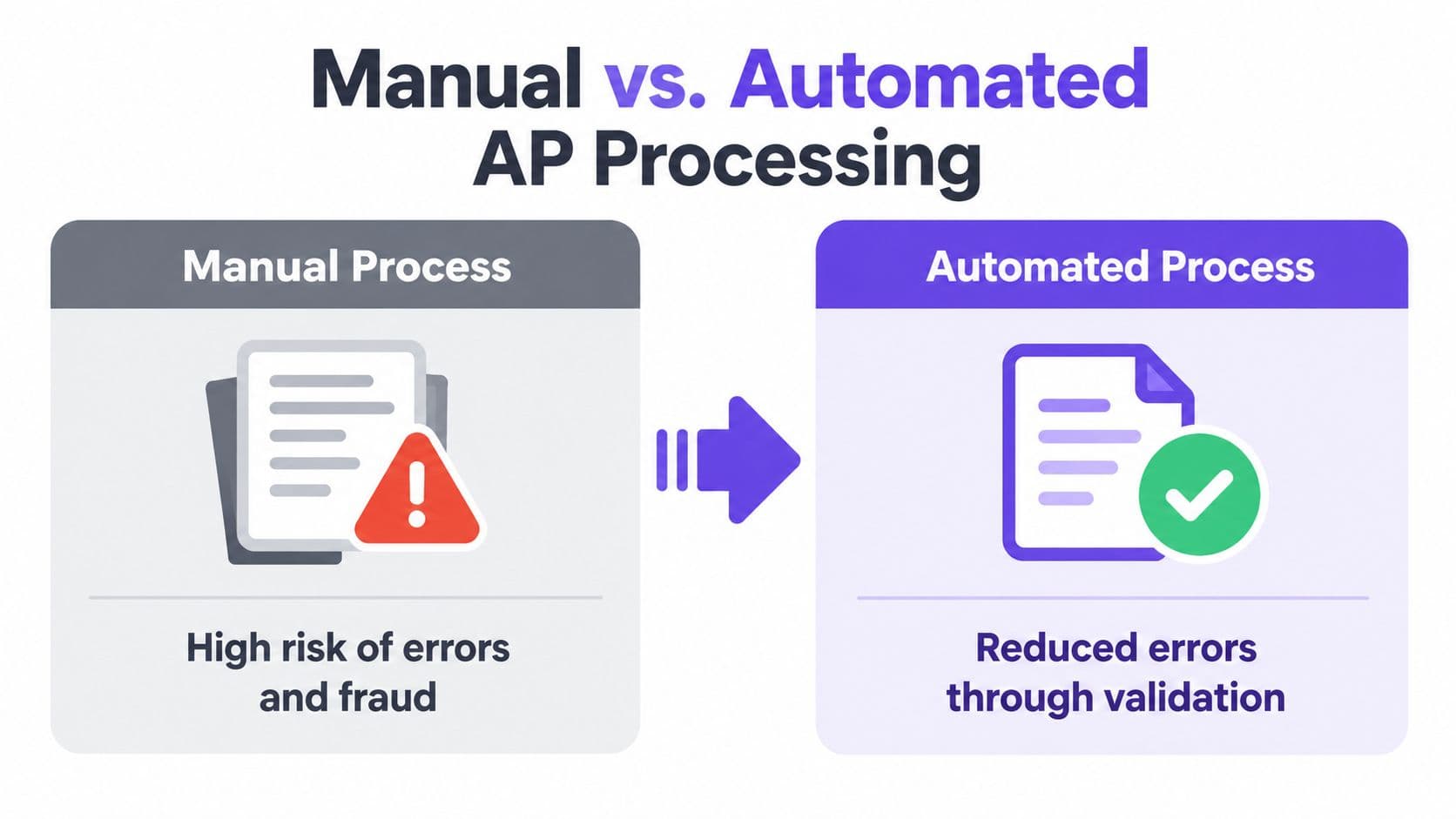
Many teams say they have AP automation because invoices arrive as PDFs and an OCR tool reads the fields. That isn't end-to-end automation. If someone still rekeys data, chases approvals, checks purchase orders manually, runs payment files, and searches through folders during an audit, you have digitized part of the work without fixing the workflow.
Table of Contents
- The Cost Problem You're Ignoring
- How AP Automation Actually Works
- Real Benefits Beyond Time Savings
- The Partial Automation Trap
- ROI Math for Growing Companies
- Choosing the Right Solution
The Cost Problem You're Ignoring
$6,440 per month is the manual processing cost for a growing SaaS company handling 500 invoices each month at $12.88 per invoice. Over a year, that reaches $77,280. At $2.78 per invoice, the same workload costs $1,390 monthly or $16,680 annually, leaving a difference of $5,050 per month and $60,600 per year.
Those benchmarks come from Xero's accounts payable automation guide, which also reports processing time falling from over 10 days to roughly three days and exception rates dropping from 22% to 9% with automation. Faster routing reduces the chance that an invoice disappears in an approver's inbox. Fewer exceptions leave finance staff handling judgment calls instead of correcting avoidable errors.
The calculation understates the true cost. It excludes late fees, duplicate payments, rework, and the opportunity cost of having skilled employees perform repetitive checks. For businesses between $500K and $20M in revenue, those costs appear before the finance team has enough capacity to absorb them.
What the cost actually includes
The invoice cost includes every handoff from receipt to reconciliation, not just the keystrokes required to enter data into QuickBooks or Xero:
- Receipt and filing: Staff monitor inboxes, download attachments, rename files, and store supporting documents.
- Data entry: Someone records the vendor, amount, date, tax, coding, and payment terms.
- Validation: A team member checks duplicates, missing fields, vendor details, and mismatches.
- Approval follow-up: AP or operations staff send reminders and answer status questions.
- Payment preparation: Someone schedules, batches, or manually initiates payments.
- Correction work: Staff investigate errors after posting, approval, or payment.
A cheap OCR add-on addresses only capture. It may read invoice fields, while people still rekey data, chase approvals, verify exceptions, prepare payments, and retrieve files for an audit. That is partial automation, not an end-to-end reduction in AP cost.
Practical rule: Measure the full invoice lifecycle, not only the time required to capture invoice fields.
For the wider finance impact of staffing and process design, review this guide to the cost of accounting. Then establish a baseline using monthly invoice volume, staff time, approval delays, duplicate payments, and correction work. A vendor's proposal should beat that baseline across the entire workflow, not just improve OCR speed.
How AP Automation Actually Works
AP automation connects the invoice lifecycle into one controlled workflow. It doesn't just scan a document. It captures information, applies rules, moves the invoice to the right person, records the decision, and passes approved data to your accounting and payment systems.
The five connected stages
1. Capture. Invoices enter through email, supplier portals, electronic invoicing channels, or scanned documents. The system centralizes them instead of leaving one invoice in a shared mailbox, another in a vendor portal, and a third on a desk.
2. Extract and validate. OCR and AI identify vendor details, invoice numbers, dates, line items, tax, totals, purchase order references, and payment terms. A benchmark summarized by Tipalti's explanation of invoice OCR places standalone OCR accuracy at roughly 85% to 90%, while combined invoice-processing solutions can reach about 98% to 99%. Extraction is useful, but accuracy alone doesn't complete the job. The system still needs matching rules, approval logic, and exception handling.
3. Match. For a purchase-order invoice, the platform compares the invoice with the purchase order and receipt. A matching invoice can proceed without someone manually comparing every field. A quantity mismatch, unexpected price, or missing receipt becomes an exception for review.
4. Route for approval. Business rules send the invoice to the appropriate approver based on department, supplier, coding, or approval authority. The workflow should show who owns the next action and preserve reminders rather than relying on an AP employee to follow up through email.
5. Pay and reconcile. After approval, the system schedules payment through the configured payment method and sends the accounting entry back to your general ledger or ERP. It should also retain the invoice, approval record, payment status, and exception history in one searchable record.
APQC benchmarking cited by Corpay's accounts payable automation resource places the median cost to process a single invoice at $6.00 across nearly 5,900 organizations, with a median cycle time of 15 days from invoice receipt to payment. Use those figures as context, not as a substitute for your own baseline. A company with simple recurring software invoices has a different workflow from an agency managing contractor bills and project-based purchase orders.
For a broader view of how systems and finance operations connect, export finance automation with Zaro is a useful resource. Your own implementation still needs clear ownership, approval limits, vendor master controls, and a defined process for exceptions. The technology works only when those rules are explicit. See also this overview of invoice processing automation for the operational decisions that sit around the software.
Real Benefits Beyond Time Savings
The direct benefit is lower processing effort. The more important benefit is that automation changes where your finance team spends attention.
A manual process treats every invoice as a special project. Someone opens the document, checks the fields, searches for a purchase order, asks who approved the spend, follows up, and then records the payment. An automated process lets routine invoices move through known rules while people focus on exceptions, unusual transactions, vendor disputes, and cash decisions.
Control improves when the workflow is visible
AP automation can enforce approval policies consistently and record each action with timestamps, user IDs, and approval notes. That creates an auditable trail and helps surface fraud or data-entry errors faster, as described in Ramp's explanation of AP automation controls. The control isn't the software alone. It's the combination of approval rules, segregation of duties, vendor verification, duplicate detection, and documented exceptions.
Fraud risk deserves direct attention. An independent report found that 96% of buyers cited phishing as a common AP fraud type, while 42% reported that business email compromise had increased in the previous 12 months and 47% said it had stayed at the same level. Those findings are reported in the MineralTree State of AP report.
Automation doesn't make a fraudulent request impossible. It makes it harder to move an unverified change through an undocumented process. A vendor bank-detail change can require separate review. An invoice with a duplicate number can be flagged. An invoice outside normal coding or approval rules can stop before payment. Your team can then investigate the specific issue instead of relying on memory and inbox searches.
Supplier experience affects your finance reputation
Vendors don't distinguish between your AP team and your company. If invoices disappear into an approval chain, suppliers send repeated emails, delay work, or tighten payment expectations. A visible status workflow gives your team a reliable answer to questions such as whether an invoice was received, who needs to approve it, and whether payment has been scheduled.
That visibility also helps you manage cash deliberately. You can see which invoices are approved, which are blocked, and which are approaching their due date. You aren't forced to choose between paying everything early and risking late payments because the information is scattered.
The best outcome isn't a dashboard full of activity. It's a finance process where routine invoices clear with limited intervention, exceptions reach the right person, and every payment has a defensible record. That combination supports audits, fundraising diligence, month-end close, and better supplier relationships. For a practical review of these outcomes, see the guide to the benefits of accounts payable automation.
The Partial Automation Trap
The most expensive misconception is believing that invoice capture equals AP automation.
Recent independent research found that 73% of teams were still not fully automated, 27% had no automation at all, and only 39% had complete digital storage for AP documentation, according to the 2025 accounts payable automation trends report. Those figures describe a common operating reality. A company can have a scanner, an OCR subscription, or a shared accounting inbox and still depend on manual routing, spreadsheet trackers, and paper files.
Partial digitization versus end-to-end control
| Process area | Partial digitization | End-to-end automation |
|---|---|---|
| Invoice intake | PDFs arrive in a shared inbox | Invoices enter a centralized capture workflow |
| Data entry | OCR reads fields, but staff correct and post them manually | Data is validated against vendor, PO, and accounting rules |
| Approvals | Employees forward emails and send reminders | Rules route invoices and track the next approver |
| Exceptions | Staff discover issues during review | The system flags mismatches and assigns them for resolution |
| Payments | Someone creates a manual payment batch | Approved invoices move into controlled payment scheduling |
| Records | Files sit across folders, inboxes, and cabinets | Documents and approval history remain searchable in one record |
The difference is operational, not cosmetic. OCR can read an invoice while your process still allows the same invoice to be entered twice. A digital file can exist while no one can quickly prove who approved payment. A workflow can show an invoice's status while the payment still requires a disconnected manual step.
Red flags in your current process
Look for evidence in the last close rather than relying on what your software vendor calls the product.
- Duplicate payment investigations: Your team regularly checks whether two people entered the same invoice.
- Approval bottlenecks: Invoices sit in email threads because no system owner or escalation rule exists.
- Vendor complaints: Suppliers repeatedly ask whether invoices were received or when payment will arrive.
- Manual audit preparation: Staff search through physical files, inboxes, and spreadsheets to reconstruct approval history.
- Unclear exceptions: People know an invoice is blocked but can't identify the reason or the person responsible.
- Disconnected payments: Approved invoices still require rekeying into a bank or payment platform.
If several of these signs exist, buying better OCR won't solve the core problem. Document the workflow from receipt to reconciliation, identify every manual handoff, and require vendors to demonstrate how their system handles each one. The test is simple: can an invoice move through the process with controls, visibility, and a clear human decision only where judgment is needed?
ROI Math for Growing Companies
For businesses from $500K to $20M in revenue, invoice volume is the better starting point for an AP business case. Revenue indicates company stage, but invoice count determines processing workload and the labor attached to it.
Consider a hypothetical $5 million SaaS company processing 600 invoices monthly. At $12.88 per invoice, manual processing costs $7,728 per month and $92,736 annually. At $2.78 per invoice, automated processing costs $1,668 per month and $20,016 annually. The direct difference is $6,060 monthly, or $72,720 annually.
These cost inputs use the manual and automated benchmarks introduced earlier. The calculation illustrates how to apply them to your own invoice volume, not what the hypothetical company will necessarily achieve. A credible business case should also include implementation, subscription, payment, integration, and change-management costs.
A practical comparison
| Metric | Manual processing | Automated processing |
|---|---|---|
| Monthly invoices | 600 | 600 |
| Cost per invoice | $12.88 | $2.78 |
| Monthly processing cost | $7,728 | $1,668 |
| Annual processing cost | $92,736 | $20,016 |
| Annual direct difference | $72,720 |
Benchmark data cited from Ardent Partners and summarized by Medius on invoice processing costs provides a second comparison. Average AP teams process an invoice for $10.18, while best-in-class teams reach $2.36. For PO invoices, average teams achieve 38.3% touchless processing with 11.6 days of total processing time. Best-in-class teams reach 96.3% touchless processing and 1.4 days.
The gap matters because OCR accuracy measures reading, not completion. A platform may capture invoice fields accurately while approvals, purchase-order matching, exception handling, or payments still require manual work. That partial automation can leave the expected savings unrealized.
Build your own decision model
Start with five baseline inputs:
- Monthly invoice volume.
- Current cost per invoice.
- Current receipt-to-payment cycle time.
- Exception and correction workload.
- Annual cost of late payments, duplicate payments, and rework.
Model the future state with a conservative reduction in manual handling. Separate hard savings, such as lower processing labor, from capacity gains, such as giving a controller more time for forecasting and analysis. Do not count every theoretical benefit as cash savings.
For modest invoice volumes, outsourced accounts payable services may cost less than buying and managing a complex platform. Compare that option with software using the same workload, approval controls, exception requirements, and payment responsibilities.
Choosing the Right Solution
AP automation isn't a niche experiment. The market was estimated at about USD 6.17 billion in 2025 and is projected to reach roughly USD 11.17 billion by 2030, while cloud deployments are projected to grow at a 14.32% CAGR through 2031, according to Quadient's AP automation statistics. North America accounted for 37.10% of AP automation revenue in 2025, according to the same source.
That growth doesn't mean every platform suits your company. A $500K agency with recurring contractors has different needs from a $20M SaaS business with multiple entities, purchase orders, and investor reporting. Choose the workflow you need, not the longest feature list.
Start with integration and ownership
Your accounting system should remain the financial source of truth. Check how the AP platform connects with QuickBooks, Xero, or NetSuite, and verify how it handles vendor records, chart-of-accounts coding, purchase orders, approval status, payment status, and reconciliation. If you use Stripe, Square, or another payment system, confirm whether approved payment data moves cleanly between systems.
Ask vendors to demonstrate these scenarios using your own sample invoices:
- A standard recurring invoice with no exception.
- A non-PO invoice that needs coding and approval.
- A duplicate invoice with a changed date or amount.
- A purchase-order invoice with a quantity mismatch.
- A vendor bank-detail change.
- An invoice whose approver is unavailable.
- A payment that needs to be held after approval.
The demonstration should show the audit record, not just the capture screen. Ask who receives the exception, how escalation works, what the approver sees, and how the final payment reconciles to the ledger.
Evaluate the workflow, not the OCR headline
Extraction accuracy matters, but straight-through processing and exception rates tell you more about the complete system. A platform that reads fields well but sends every invoice to a human review queue won't deliver the economics you expect.
Also verify:
- Approval controls: Can you define approval authority, prevent self-approval, and require secondary review for sensitive changes?
- Audit history: Does the system retain timestamps, user IDs, comments, and supporting documents?
- Security: Ask for evidence of security controls and verify whether SOC 2 Type II coverage applies to the service you are buying.
- Pricing: Request a complete schedule covering users, invoices, integrations, payments, implementation, and support.
- Implementation: Identify who configures workflows, cleans vendor data, tests integrations, and trains your team.
- Reporting: Confirm that you can report on aging, exceptions, approval bottlenecks, payment status, and processing cost.
For growing businesses that need help comparing platforms and designing the workflow, accounts payable automation software guidance can help frame the selection process. Jumpstart Partners also offers AP automation support covering vendor selection, workflow design, system integration, and team training for growing businesses.
Your next step should be a short process audit. Pull a representative set of recent invoices, record every handoff from receipt to reconciliation, calculate the current cost per invoice, and mark every point where a person rekeys data or chases an approval. Use that map to evaluate solutions. If a vendor can't show how its platform removes those specific handoffs while preserving approval control, keep looking.
Jumpstart Partners helps SaaS companies, agencies, and professional services firms design and implement AP workflows, configure approval controls, integrate QuickBooks, Xero, or NetSuite, and train finance teams. Visit Jumpstart Partners to discuss your current invoice process and build an automation plan based on your actual volume, systems, and control requirements.